Shrinkage and dimensional stability
You draw a Ø 20 mm boss and the slicer promises Ø 20 mm. Then the print cools, and it isn't. Every thermoplastic goes down molten and solidifies as it drops back to room temperature, and cooling means shrinking. The amount is small — fractions of a percent — but it's real, it's different for every material, and it moves the true size of every feature you drew away from the number on screen. Worse, it doesn't happen evenly across the part, and uneven shrinkage is exactly what warps a print off the bed. Understanding this is what separates a fit that works from one that's mysteriously always a little tight.
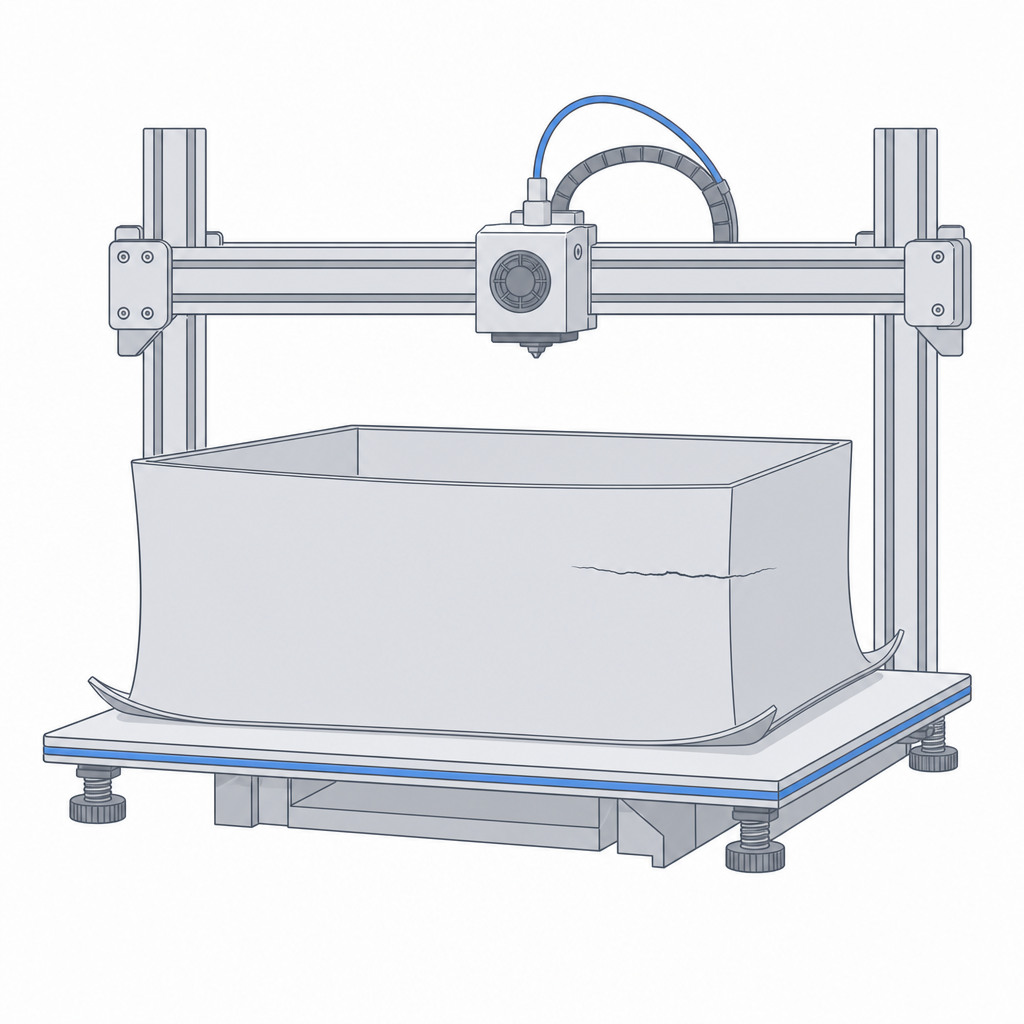
Every material shrinks — by a different amount
Shrinkage tracks roughly with how hot the plastic was and how much it wants to contract. PLA shrinks the least, which is a big reason it holds dimensions so well. PETG shrinks a touch more. ABS and PC shrink the most, enough that large flat parts curl their corners up off the bed unless you fight it with an enclosure and adhesion. The number matters because it's not a global scale you can ignore — a hole shrinks inward (comes out smaller), a peg shrinks inward too (comes out smaller), and a long span shrinks more in absolute terms than a short one. The size you drew and the size you get are related by a factor you have to know, not guess.
| Material | Relative shrink | Warping risk | What to do |
|---|---|---|---|
| PLA | Lowest | Low | Print as-is; small clearance offsets |
| PETG | Low–medium | Low–medium | Open fits slightly vs PLA |
| ABS | High | High | Enclosure, brim, larger clearances |
| PC | High; warps worst | Very high | Enclosure, minimise flat spans |
Measure your material's shrink
You don't have to accept the datasheet's shrink figure blind — you can measure it, and it's the honest way to get fits right. Print a simple test coupon: a block of known length and a couple of holes of known diameter. Let it cool fully, then measure with calipers. The gap between drawn and measured, expressed as a percentage, is your shrink for that material on your machine. Fold it into the model as a clearance offset on holes, pegs and mating faces, and the next part fits first try. Tolerances and fits shows how to turn that offset into a parametric clearance, and Validate before you print walks the coupon-and-measure loop end to end.
And it keeps moving: creep
Shrinkage is a one-time cooling effect, but dimensions can drift again under load. Creep is the slow, permanent deformation of a plastic held under constant stress — a shelf bracket that sags over months, a press-fit that loosens, a clamped part that flattens. It's worse the warmer the part runs, which is why a PLA part that's fine at room temperature can slowly deform near a heat source even below its softening point. If a part carries a steady load for a long time, design in extra section or choose a material that resists creep, rather than trusting the day-one measurement forever.
Shrinkage is why the same fit behaves differently in two materials. That points at the real lesson of this whole section: the exact numbers a feature prints at aren't in any datasheet — they're yours to measure and keep, which is what Material, machine and your own numbers is all about.