Releases, deep dives and field notes
Product updates, engineering write-ups and stories from the community. One post for every release.

kapycode: your model as text
In KapyCAD 2 every document will have a readable text form, kapycode, and you'll be able to go from the text to the editor and back without losing anything.

Which of your constraints is redundant?
From "your sketch is wrong" to "these two dimensions contradict each other". KapyCAD 2 will flag redundant or clashing constraints, and only after checking.

Dragging without the sketch jumping
You drag a point and the sketch rearranges itself or flips over. In KapyCAD 2, dragging will follow four intent rules and nothing will jump when you let go.

Why we wrote our own constraint solver
Drags that take over a second and dimensions that flip a segment: why KapyCAD 2 will have a sketch solver of its own.

A Rust core for the whole document
In KapyCAD 2 the whole document will live in a core written in Rust, in a single worker next to the kernel. The interface will only ask and draw.

Our own OpenCascade
KapyCAD 2 will rebuild our OpenCascade 8.0 without emulated exceptions and, in our measurements, regenerate with less than half the CPU.

Update without fear: your files open exactly as you left them
KapyCAD's file format has changed some fifty times over these months of development, and a chain of pure steps keeps your parts opening unchanged.

How do you test CAD software?
In CAD software, the worst bug is one that moves a face 0.2 mm without throwing an error. These are the layers of tests that hunt for it.

September update: live patterns, snaps that make sense and real reference geometry
The first big batch of changes built from beta feedback. Pattern copies are geometry you can work with, drawing in a sketch does what you expect, reference planes stop being a chore, and a long list of the bugs that made you doubt the editor.

Three guided tutorials: learn KapyCAD by building the part
A tray that spins on its stand, a parametric Gridfinity baseplate and a herringbone gear with a D-shaft bore. You build them inside the editor, step by step, and no step counts until the geometry actually appears in your part. The Academy has a search box now too: ask in your own words and it takes you to the article.

Driving the editor: 39 articles with video, and a guided first design inside the app
We are opening the Learn path that was missing: seven reference sections on the editor's tools, with more than fifty clips of the real editor. And inside the app, a guided run that takes you from an empty scene to an STL ready to print.

Introducing Smart Objects: the parts you place instead of modelling
A threaded hole that cuts a real ISO thread. A heat-set insert pocket sized to the insert you own. A texture that wraps a face. Smart Objects are parametric components you drop onto a part and keep tuning afterwards — and the engine behind them is now open to everyone, in beta.

Introducing Workbench: your printer's real tolerances, built into the model
A calibrated part fits the first time. Workbench keeps your printers, nozzles, quality presets and filaments in one place, walks you through guided clearance and printability calibrations, and feeds those real numbers straight into the editor — so holes, fits and features are sized for the machine you'll actually print on.
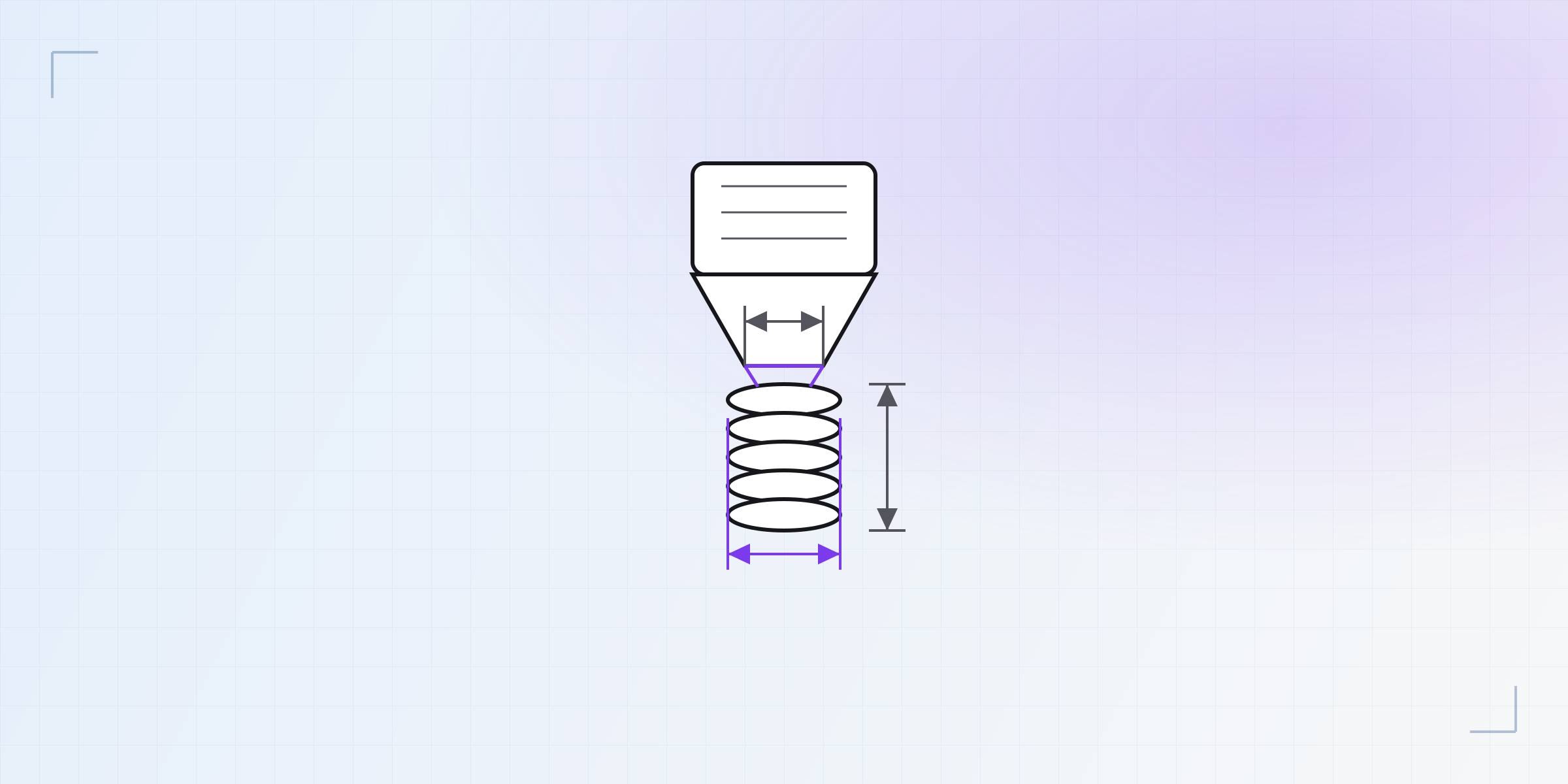
Hardware: the printer and the material decide half your design
A new guide in Kapy CAD's Learn hub: printers, filaments and resins, and the real tolerances your machine imposes. 30 articles —in English and Spanish— on why the number on the datasheet is never the number you print, and how to turn your own hardware into calibrated fits.

Designing to a standard: the new Learn guide for parts that fit what you already own
A new guide in Kapy CAD's Learn hub: Gridfinity, Skådis, LEGO, VESA, 2020 extrusion, bottle threads and IKEA. 39 articles —in English and Spanish— on the shared dimensions that let a printed part drop into an ecosystem someone already owns, and what FDM does to those tolerances.

Learn: three in-depth guides to designing parts that actually work when printed
Kapy CAD's Learn hub is live: 139 articles —in English and Spanish— on tolerances, strength, threads and printed mechanisms, with diagrams, schematics and 3D animations of real catalog parts.

KapyCAD 1.0 is now in public beta
A parametric CAD for 3D printing, entirely in your browser. Version 1.0 is live — try it free.

Naming faces is hard: stable topological references
Why a fillet on a boolean can break a reference, and how KapyCAD keeps it alive across a regen.

How we solve your sketches: the 2D constraint solver
What a constraint solver is, and how it turns "these sides are equal" into geometry that adjusts itself.

A B-Rep CAD in the browser: OpenCascade, WASM and two WebWorkers
How KapyCAD runs a real CAD kernel inside a tab, without freezing the interface.