Update without fear: your files open exactly as you left them
KapyCAD's file format has changed some fifty times over these months of development, and a chain of pure steps keeps your parts opening unchanged.
Part 2 of the series Inside KapyCAD 2. In Part 1 we covered how we test KapyCAD to catch the bugs you can't see. Not breaking your files is a commitment that takes a lot of quiet work, and it's what this part is about.
The fear of updating
If you've used CAD software for a while, you know the feeling. A new version comes out, you update, and you open that bracket you designed a few weeks ago. And something's off. A hole that was centred isn't anymore. A fillet has vanished. An operation shows up red with an error you've never seen before.
Sometimes the program even warns you: "this file has been converted to the new format". And you think: converted to what? What did it touch?
It's a reasonable fear. Open a Word document in a newer version and the worst that usually happens is a page break landing somewhere else; the words are still the same. A CAD file is a recipe for geometry: if a single instruction is read differently, you get a different part. And you almost never find out when you open it, only when you print it.
What we promise is this: you open an old file and it's exactly the same part.
A file that knows its version
KapyCAD keeps changing. Every time we add an operation, a constraint or a kind of pattern, or fix how something is stored, the file format shifts a little. Over these months of development, the format has changed some fifty times.
To keep that from affecting you, every document records which version of the format it was saved with: a plain number.
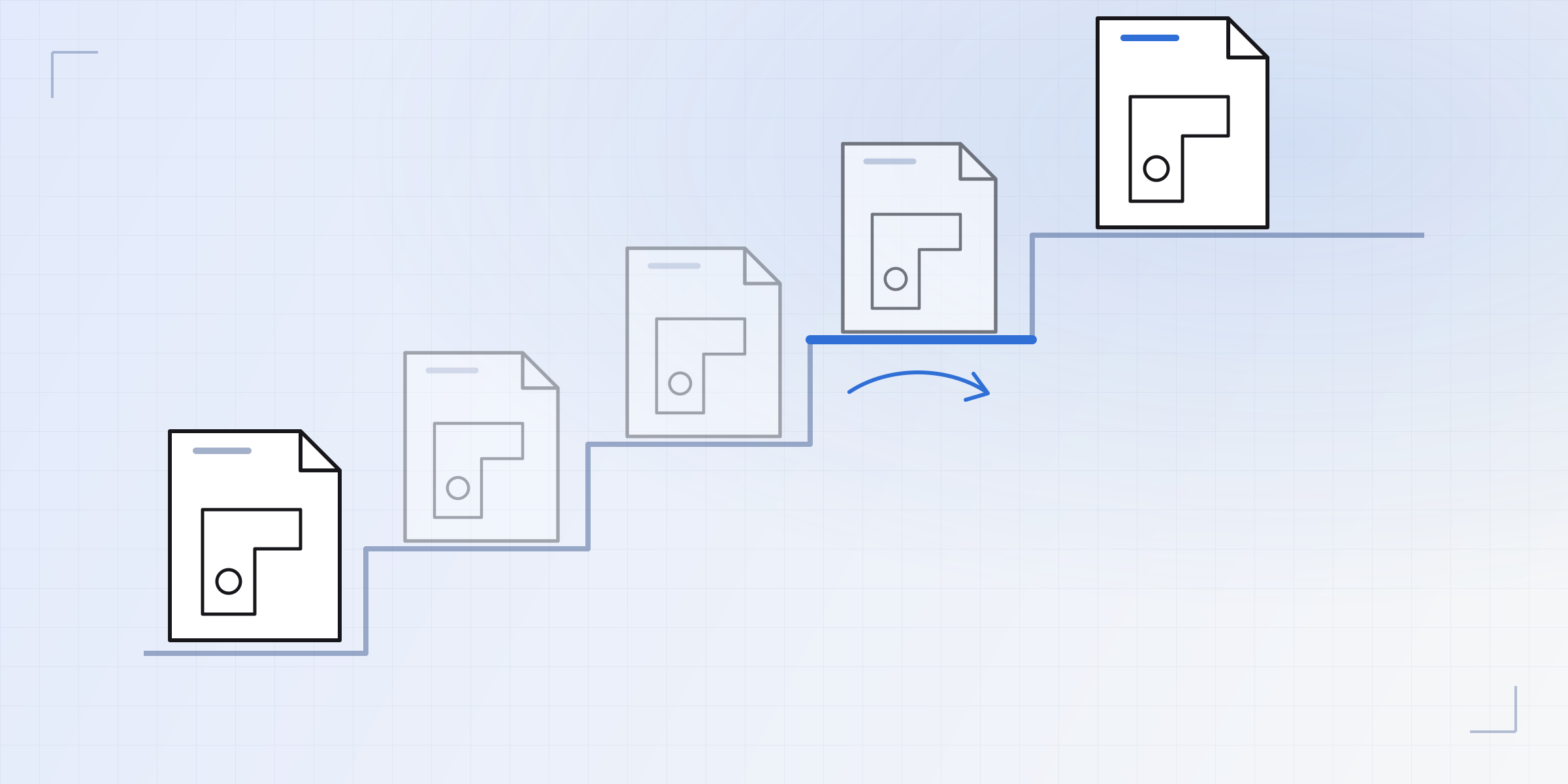
When you open a file, KapyCAD reads that number and compares it with the version it understands. If they match, the file is read as is. If the file is older, the migration chain kicks in: a list of steps, one for every format change. Step 1 takes a document from version 1 to 2, step 2 from 2 to 3, and so on up to the current one.
A file saved with an earlier version climbs the ladder one rung at a time up to the current version, through the same steps the format itself went through back then. Each step only has to know one thing, how to get from version N to N+1, and none of them needs to know the whole chain.
Migration also happens in memory, when you open the file. Opening doesn't rewrite your saved file; it's only written in the current format when you save again.
Pure steps
A migration step has to be pure: it takes the document in and hands the document back.
- It doesn't read anything from outside: not the network, not your settings, not other files.
- It doesn't keep anything for later.
- It doesn't look at the clock.
- And above all, it doesn't recompute geometry. It doesn't solve sketches, doesn't call the kernel, doesn't rebuild solids.
The clock rule has a story behind it. One format change added a title block to drawings, and a title block has a date. A drawing created during a migration gets today's date, but if the step read the clock itself, the same file would give different results depending on the day you opened it, and that would be impossible to test. So the step doesn't read the clock: whoever calls it tells it what day it is.
Not recomputing geometry matters even more. A step transforms the document's data: it renames a field, adds an empty list where there used to be nothing, or drops a key nobody reads anymore. For example, the step from version 1 to 2 just gives every sketch an empty list of patterns, because patterns didn't exist yet when that file was saved.
And when a format change could alter the shape of a part, the step makes sure it doesn't. A real example: for a while, offset operations stored a join type that was never actually read, because the calculation always used the same one. When we started honouring that field, the migration step pinned it to the join that had been used until then, so that every saved part keeps the shape it had.
We also require every step to be idempotent: running it twice on the same document has to give the same result as running it once, so it doesn't matter if a step is applied twice by mistake.
Opening moves nothing
Pure steps take care of the data. After migrating, the document opens fully: sketches are solved and solids are rebuilt. And there's another trap there.
A saved sketch is the answer the solver gave the last time you edited it. If, on opening, the solver decided to solve it "again, its own way", it could find a different, equally valid solution and move one of your points without you touching anything.
That's why one rule sits above almost everything else: the stored geometry wins. If a sketch's constraints already hold as it is, solving it on open is a no-op: no point moves. As we described in Part 1, a judge watches over this across the corpus of 602 sketches with a tolerance of ten nanometres.
Since opening changes nothing, the document's fingerprint doesn't change either. Autosave doesn't see phantom changes, and your history doesn't fill up with versions nobody touched.
One direction only
The chain runs one way. An old file opens in a new version, but a new file doesn't open in an old version.
An old version doesn't know what to do with things that didn't exist when it was written. If it came across a new field, like the side of a tangency, it would have two bad options: ignore it and solve the sketch its own way, risking a different part, or try to guess what it means. Both end the same way: a part that isn't the one you saved, and no warning.
So if the file comes from a newer version than the one it understands, it refuses to open it and tells you why. We'd rather give you a clear "I can't open this" than a file silently opened wrong. It's the same philosophy as with face references, which we explained in Naming faces is hard: if something can't be resolved properly, the error shows.
How we test it
To check it, we use one of the tools from Part 1: a frozen oracle.
Before moving the migration chain to its new home, we gathered every document we could. That meant every example and test file in the project, in every format version they've been through, and every saved version in our development database (local, never production), which holds documents saved in many different format versions. We added the documents the existing migration tests built by hand and, finally, synthetic documents written for the oldest steps: the oldest document in our database was already version 30, and the first twenty-nine steps deserved more than a couple of examples.
That's 6,256 documents in total. Each one went through the old chain step by step, and the result after every step was recorded: 47,232 answers.
The new chain has to produce the same bytes, document by document and step by step. When something differs, the judge points to the document, the step and the field.
Demanding the same bytes surfaced details nobody would have gone looking for: the order keys appear in, how a number is rounded when written and read back, fields that silently disappear, the difference between zero and "minus zero", and the last bit of a length calculation.
The old chain no longer exists; the recording does, and, as we covered in Part 1, it has its red control.
What it means for you
You can update without fear of losing your parts. Your files carry their version, climb the ladder of pure steps when they open, and once at the top the editor respects the geometry as you left it. Nothing is recomputed behind your back, nothing is written into your file until you edit it, and if a file ever can't be opened, we'll tell you plainly. Just bear in mind that once a file is saved in KapyCAD 2, it won't go back to the current version.
In Part 3 we move on to the geometry kernel: why we build and maintain our own OpenCascade.
Written by
Sergio
Building Kapy CAD — parametric 3D modelling for 3D printing, in the browser.


