How do you test CAD software?
In CAD software, the worst bug is one that moves a face 0.2 mm without throwing an error. These are the layers of tests that hunt for it.
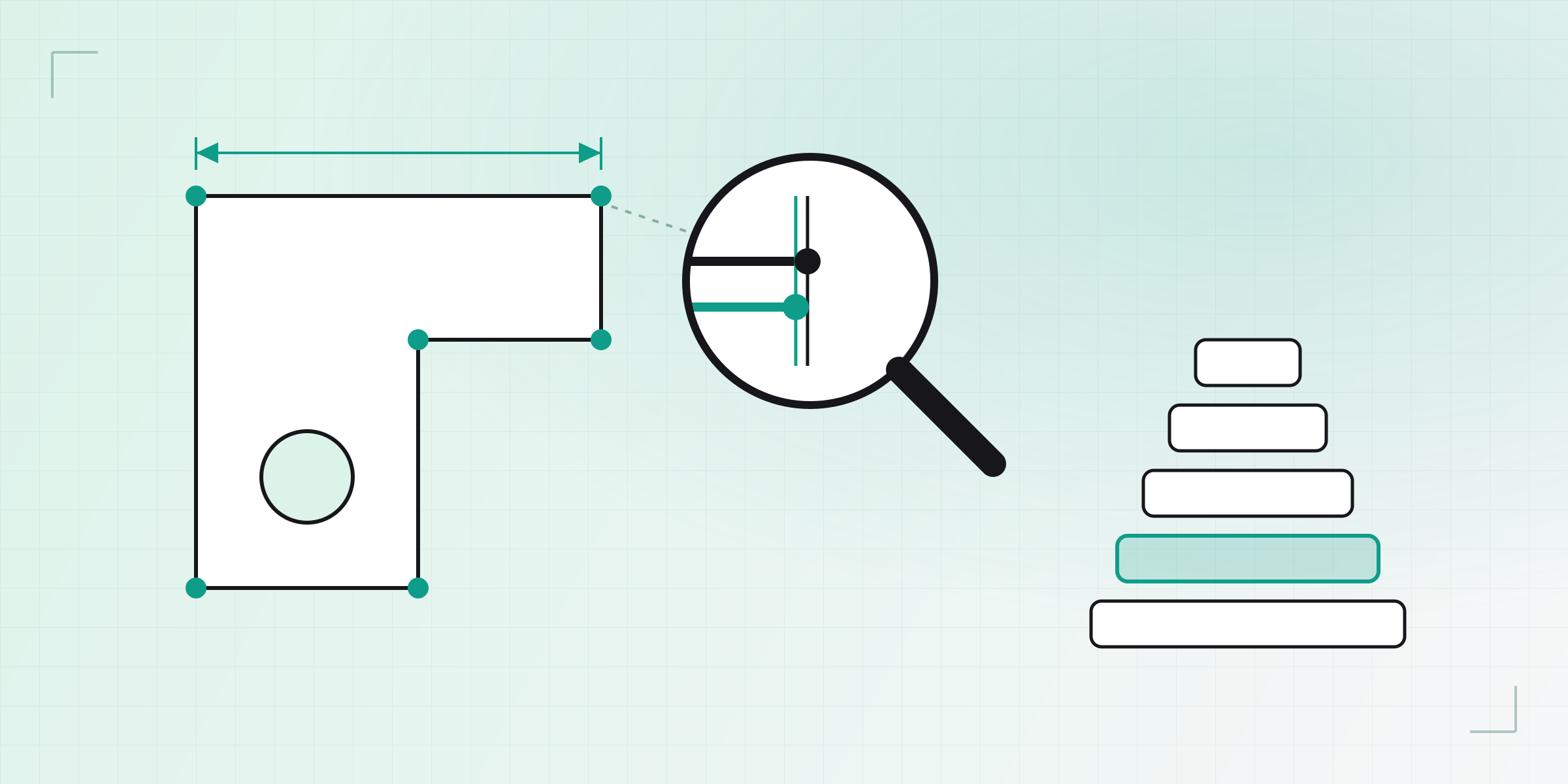
Part 1 of the series Inside KapyCAD 2. KapyCAD 2 is the next major version of KapyCAD: it's in development, we're aiming to release it before the end of the year, and users on the founder plan will get early access to its beta. In this series we walk through how we're rebuilding its internals, and we're starting with the least glamorous part, which also happens to be what makes everything else possible: how we know we haven't broken anything, in a kind of software where breaking things is rarely loud.
The bug you can't see
In a typical web app, bugs tend to make a scene. A button that does nothing, a blank page, an angry red error in the console. You see it and you fix it.
In a parametric CAD tool the worst bugs are silent. You change a dimension near
the top of the tree and the fillet you added a month ago jumps to a different
edge. You open a part and a value you typed as 5.3 now reads 5.29999…: you
can't tell on screen, but it's no longer the number you typed. Or a face shifts
by two tenths of a millimetre. Nothing crashes, nothing turns red and the model
looks almost the same, until you print it and the shaft doesn't fit.
That's why "open the file and check it doesn't blow up" tests don't buy you much here. A CAD app that doesn't crash but quietly moves your geometry is worse than one that crashes, because at least the crash tells you. We need tests that look at numbers, lots of them, on real parts.
We've built several layers of tests, each one meant to catch a different kind of invisible bug. In the diagram they run from the cheapest, at the bottom, to the most expensive, at the top.
We won't spend long on unit tests: they're the classic kind, one function, one input, one expected output. We have thousands of them and they're essential, but the interesting part starts one floor up.
Reference documents
The first idea is dead simple: keep real parts around and make sure they don't change.
We keep a set of reference documents that are opened and fully regenerated in Node with the same geometry kernel that runs in your browser. For each one we record its invariants:
- For every body: volume, area, bounding box, how many faces, edges and vertices it has, and whether the kernel considers it a valid solid.
- For every sketch: how many closed regions it finds, and the solver's verdict (solved or not, how many degrees of freedom are left, which constraints clash).
- For every operation: whether it evaluated cleanly and, if it failed, with which error code.
On every change the corpus is regenerated and compared against the record. Volume and area to one part in a thousand. Bounding boxes to a millionth of a millimetre. And anything that's a count or a state must match exactly: if a part had 26 faces and now has 27, somebody owes us an explanation.
What we leave out matters just as much. We never store the exact coordinates the sketch solver returns. Where a point lands in a partly defined sketch is an implementation detail; how many degrees of freedom are left is a fact about the document. If we recorded coordinates, every solver improvement would turn the corpus red without anything actually being wrong.
Before measuring anything, the checker also logs the fingerprint (a SHA-256 hash) of the kernel binaries it loaded, so every number stays tied to the kernel it was measured against.
Property judges
The reference documents have a limit: they compare against one specific answer, and some questions don't have just one.
Take the sketch solver (if you're not sure what that is, we explained it in How we solve your sketches). If you change a dimension from 20 to 35 mm in a partly defined sketch, there are infinitely many valid ways to rearrange the points. We can't write "the result must be exactly this", but we do know things that any correct answer has to satisfy. We call those things properties, and the tests that check them judges.
We use four on sketches. The first, "opening moves nothing", re-solves every saved sketch as it is and checks that no point moves more than ten nanometres (a hundred-thousandth of a millimetre). That tolerance is far below anything a screen or a printer can show and far above the noise of a properly converged calculation; what it catches is a solver that re-decides geometry you already had. We cover the rule behind it in Part 2.
The second, "no dimension flips anything", pushes every dimension up and down a ladder of 81 values, from tiny to huge, and checks that no segment turns around, no tangency switches sides, no arc goes inside out and no angle changes sign.
The third demands an exact diagnosis. When the solver says "3 degrees of freedom left" or "these two constraints clash", we cross-check it against two independent calculations that use different algorithms; if they disagree, one of them is wrong.
The fourth measures speed, and it does so at two moments. While you drag a point, 95% of frames must solve in under 16 ms, and when you let go, what gets saved is the last frame drawn, with no point more than ten nanometres away from it. When you confirm a change, the full solve of each sketch can't take longer than with today's solver (PlaneGCS), whose timings we keep frozen sketch by sketch.
Frozen oracles
Rewriting code that already works is the trickiest case. When you port an important piece from one language to another (for us, from TypeScript to Rust), the new code has to do the same thing as the old one, quirks and all, even where a quirk isn't "correct" in the abstract, because users' documents depend on those quirks.
For that we use the frozen oracle:
- Before touching anything, we feed the old code a pile of real inputs and record everything it answers.
- We write the new code.
- We feed it the same inputs and demand the same answer bit for bit, with no margin.
- Once everything matches, we delete the old code. The recording stays.
In step 4 the recording outlives the code that produced it, and from that day on every change keeps being compared with what the original did, even though the original no longer exists.
There's a concrete reason for demanding the same bits. One of the steps that
upgrade old documents decides which way a line points using Math.hypot, the
JavaScript function that computes the length of a vector. Rust's version of that
function rounds differently in the last bit, and on a degenerate sketch that bit
is enough to flip a sign and make a line point the other way. The oracle caught
it, and now the Rust code reproduces the same calculation JavaScript performs in
the browser. Without the oracle, that bug would have gone unnoticed in some odd
file nobody opens, until somebody did.
The red control
The hardest lesson for us was that a judge that never fails proves nothing.
Say you write a test, run it, and it's green. That doesn't tell you whether your code is fine or the test isn't looking where you think it is. A comparator that accidentally compares a file with itself is always green, and so is a judge that walks an empty list. A judge that's green by accident hands you confidence you haven't earned.
So every important judge carries a red control: a test that breaks something on purpose and checks that the judge notices. The migration oracle gets a single field changed in a single step, and it has to go red pointing at that step. The judge that times regeneration gets a kernel that does 20% more work, and it has to come out red; "seems a bit slower" doesn't count. And when we port a family of operations, we sabotage every place a value is read (pinning it to a constant), one at a time, and check that some judge complains. Then we undo each sabotage and verify that everything goes back to green.
At the very top, a browser
Everything above runs in Node, with no screen, and it's fast. But you don't use KapyCAD from Node: you use it in a browser, with a mouse, in a hurry, and sometimes doing things we never expected.
So the tip of the pyramid is tests in a real browser: recorded gestures (drawing a rectangle, dragging a point, adding a dimension) replayed in the editor, and the guided tutorials, walked through step by step to check that every checklist item goes green. They're slow and there aren't many of them, but they're the only ones that go through the interface you use.
Two lessons
Bit-for-bit comparison is ruthless, and that has a limit: when a change is deliberate, the oracle can't tell it apart from a mistake. We ran straight into this with the sketch solver. A new solver, by definition, cannot produce the same bits as today's, and asking it to made no sense. So we retired those oracles and replaced them with the property judges, which ask "is it correct?" instead of "is it identical?".
The other lesson is about re-recording. It's tempting: the corpus goes red, you skim it, "oh, that's my change", you re-record and move on, and if there was a bug, it's now recorded as correct. Our rule is that you only re-record when a change is meant to move a number, and you have to write down which number moved and why, case by case.
The migration recording, the one with 6,256 documents, is the subject of Part 2: how we make a file saved with an earlier version open unchanged, even though the format has changed some fifty times over these months of development.
Written by
Sergio
Building Kapy CAD — parametric 3D modelling for 3D printing, in the browser.


