KapyCAD 1.0 is now in public beta
A parametric CAD for 3D printing, entirely in your browser. Version 1.0 is live — try it free.
We've been cooking it for a while, and it's finally out: KapyCAD 1.0 opens its public beta. It's a parametric CAD built from the ground up for 3D printing, it runs entirely in your browser, and today you can head to kapycad.com and start designing. Nothing to install, no waitlist, and free during the beta.
This 1.0 doesn't try to do everything. It does one thing well —design parametric parts for printing— and puts it in the hands of anyone with a tab open. Here's what you'll find.
A real CAD, in a tab
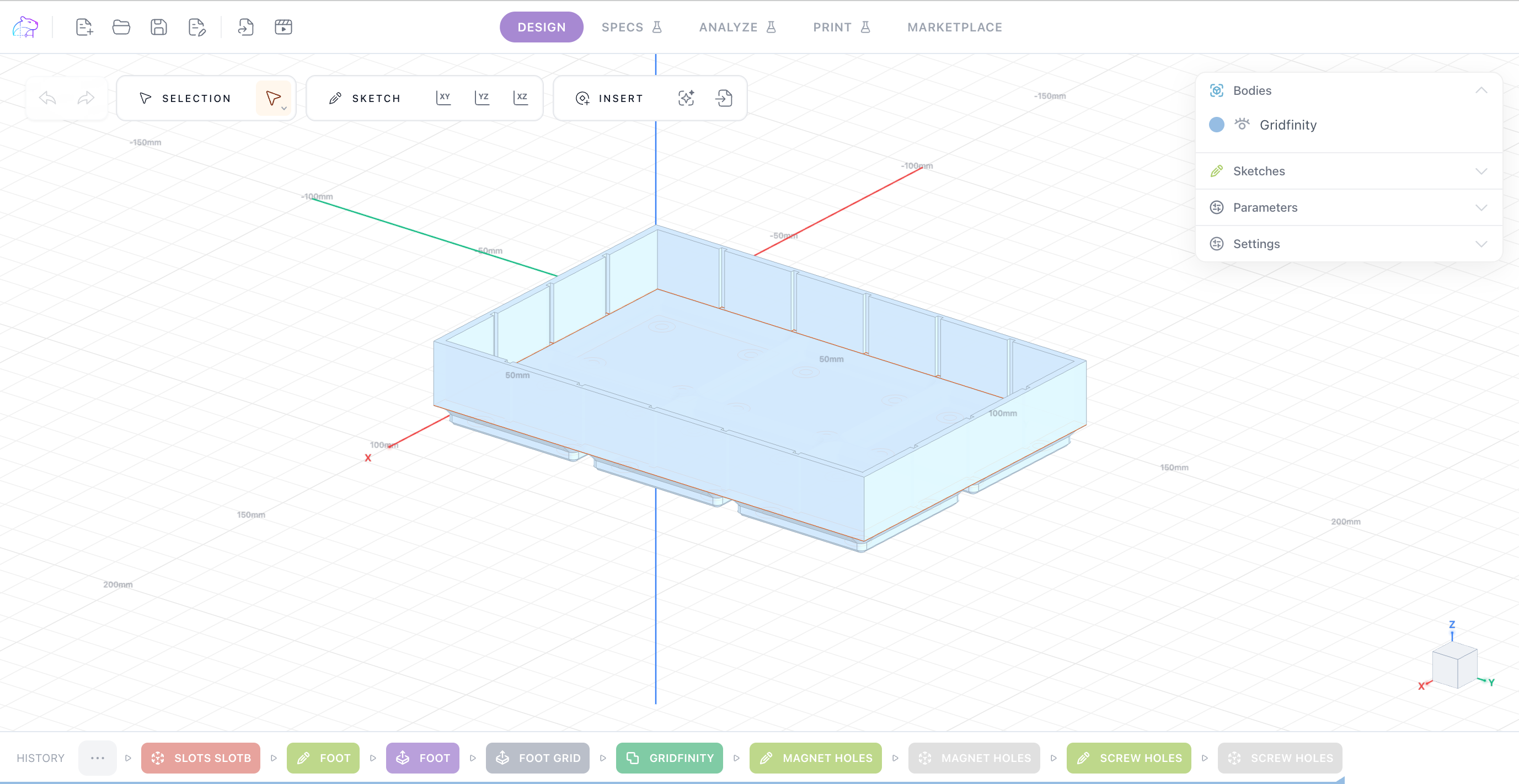
KapyCAD isn't a viewer or a mockup: it's a full CAD that runs inside the browser. The 3D geometry (the B-Rep engine — the same kind of "exact solids" a desktop CAD uses) and the sketch solver work in the background, so the part responds without sending anything to a server. Open a link and you're designing: nothing to install, nothing to update.
Parametric all the way down
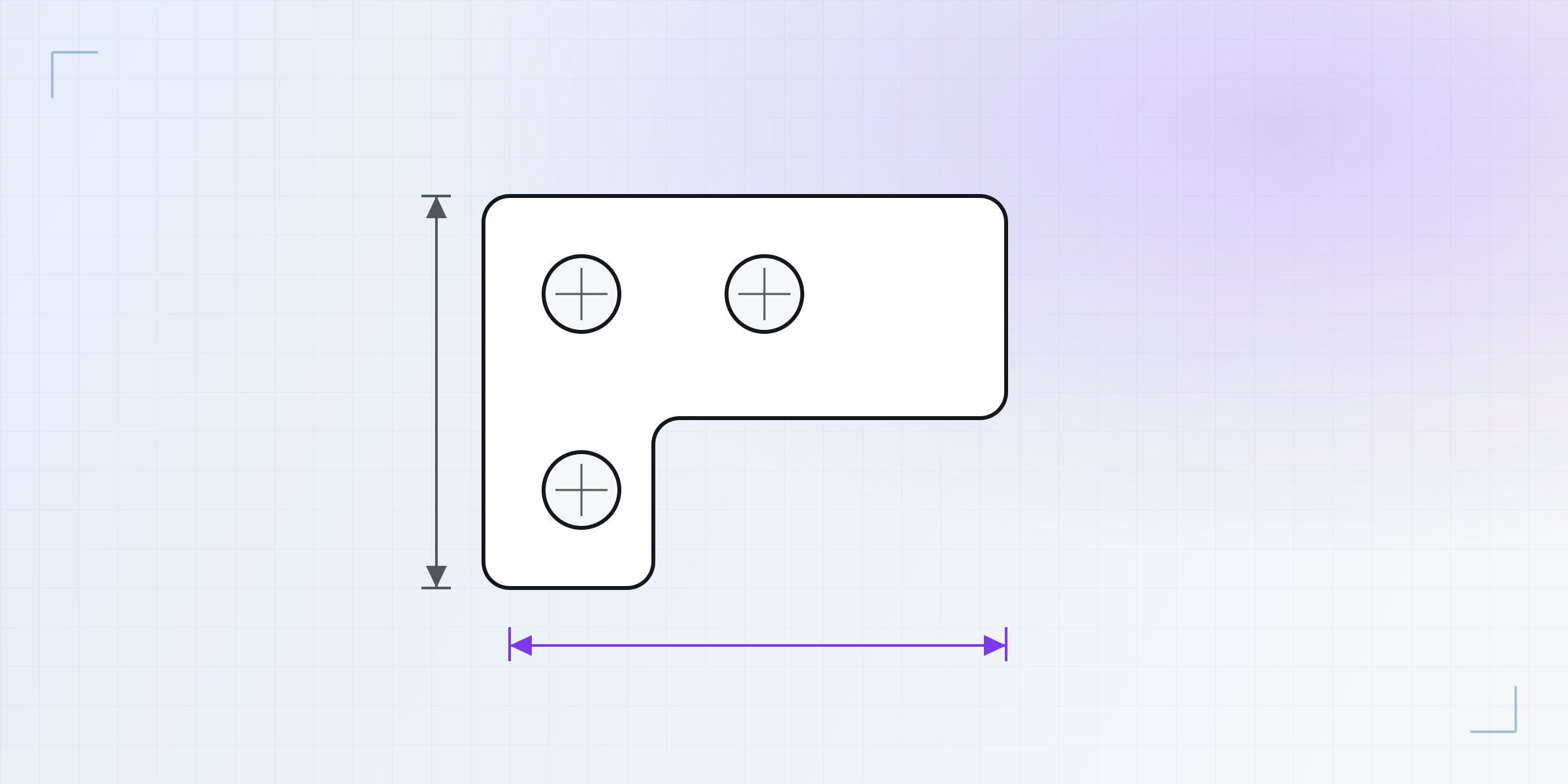
You draw sketches with a real constraint solver —tell it "these two sides are equal" or "this line is 20 mm" and the geometry adjusts itself— and build with the operations you'd expect from a desktop CAD: extrude, revolve, sweep, loft, fillets, chamfers, shell, booleans and patterns.
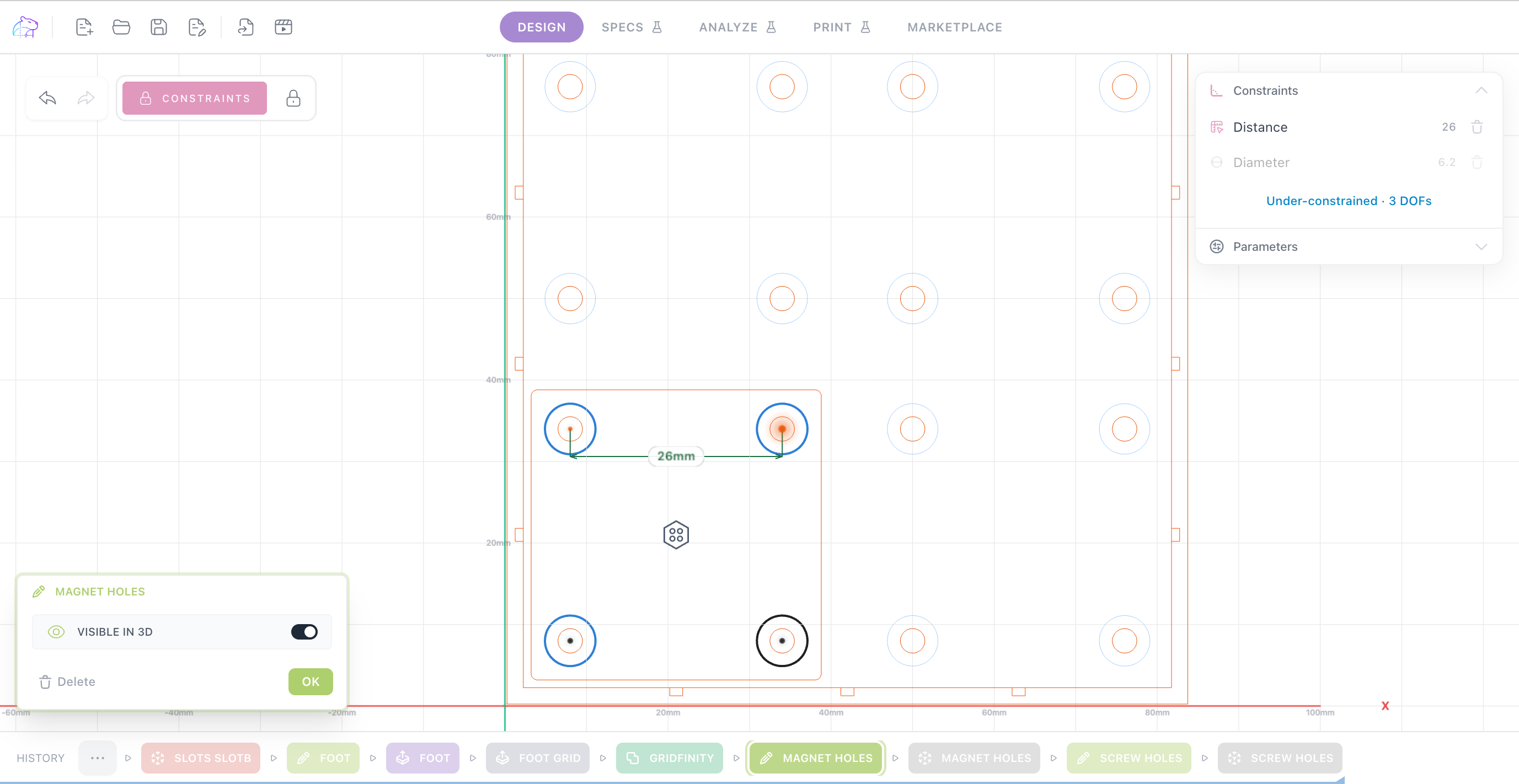
And it's parametric: every operation lives in a tree you can edit later. Add named parameters, write expressions, change one dimension and the whole model rebuilds. The part you designed for an M3 screw becomes M4 by changing a number.
Built for 3D printing
KapyCAD is made so what you design prints and works the first time, not for generic manufacturing. That means thinking about tolerances and about geometry that comes off an FDM printer cleanly, from the first millimeter. When the part is ready, you export in the formats you need: STL to take to your slicer and print, and STEP if you want to keep working in another CAD. It's real geometry, not an approximation.
What's coming
KapyCAD's ambition is for the whole process of a printed part to happen on one canvas — from idea to gcode, without hopping between programs. The 1.0 covers the design part; we'll bring in the rest of the path over time.
Among the pieces we're working on: dimensioned technical drawings, printability analysis to flag overhangs and thin walls before you print, stress simulation (FEA) to know whether the part will hold, an integrated slicer to prep the print without leaving the browser, and a marketplace to discover and share parts with the community. They'll arrive in their own time; we'll keep posting about it here. And we've got some big things lined up for the next releases.
Free during the beta
During this stage, KapyCAD is free for everyone. There will be paid plans later, but there will always be a free plan. For now there's nothing to set up and nothing to pay: create your account, your designs save themselves, and you're working.
This is a beta, so you'll see rough edges, and we'd love to hear about them. For news, support, and to talk to us and other makers, join our Discord: discord.gg/DSM6EcYSy. We're building it with makers like you in mind, and your feedback is what decides what we polish first.
Design your next part in the browser. See you at kapycad.com.
Written by
Sergio
Building Kapy CAD — parametric 3D modelling for 3D printing, in the browser.


