Frequently asked questions
Short answers about KapyCAD. If yours is not here, ask us on Discord.
What is KapyCAD?
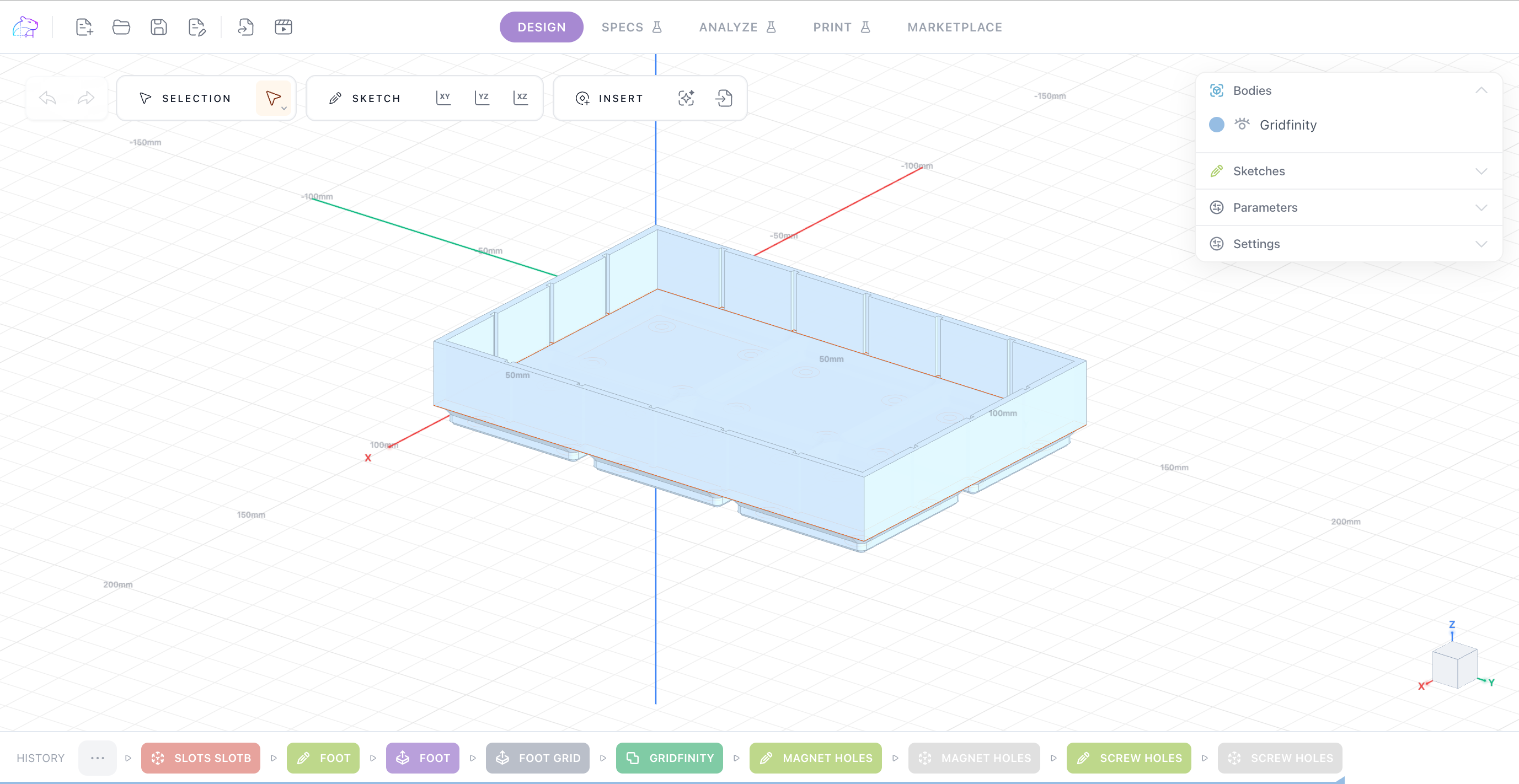
A parametric CAD made for 3D printing. It runs in your browser and sizes fits for your printer once you calibrate it. More on what KapyCAD is.
Is KapyCAD free?
Yes, there is a Free plan with no card: the full parametric editor, catalog SmartObjects and up to 10 projects. STL export is always free. The Maker plan adds unlimited projects, STEP and .kpy export, your own SmartObjects and the KapyCAD 2 beta. Prices are on the pricing page.
Do I need to install anything?
No. KapyCAD runs in Chrome, Edge, Firefox and Safari on Windows, macOS, Linux and ChromeOS.
Is KapyCAD good for beginners?
Yes, if you are willing to learn real CAD. Guided tutorials inside the editor build a part with you step by step, and a step only counts once the geometry appears in your part. If you have used Tinkercad, it is the natural next step: see KapyCAD vs Tinkercad.
What files can I import and export?
Import STEP, STL and OBJ parts and SVG drawings. Export STL for your slicer on every plan, plus STEP solids for other CAD and the native .kpy file on Maker. An imported STEP or mesh has no feature history, but you can keep building on it.
How does KapyCAD make parts fit?
You choose a slide, friction or press fit and it leaves the right clearance per side. Calibrate your printer once in the Workbench with guided test prints and the clearances your machine really needs go into your parts. Background: printed clearances.
Can it tell me if a part will print?
KapyCAD 2 does: its printability analysis marks overhangs, bridges, thin walls and details too small for your nozzle, and ranks print orientations by the support they need. It is in beta for Maker subscribers and reaches everyone on December 15, 2026. Today, the Workbench calibrations tell you the smallest wall and detail your printer manages.
Can I see a mechanism move before printing it?
KapyCAD 2 does: assemblies join parts with hinges, slides, gears, cams and belts that you can drag and check for collisions. It is in beta for Maker subscribers and reaches everyone on December 15, 2026.
Can I sell what I design?
Selling printed parts or files, or using KapyCAD for work someone pays you for, needs a paid plan. The pricing page says which plan covers commercial use.
Are my designs private?
Yes. Your projects are private to your account on every plan, including Free. You choose what to publish, for example a SmartObject in the store.
Which languages does it support?
The editor, the guided tutorials and Kapy Academy are in English and Spanish.
How does it compare with Fusion, Onshape, Tinkercad or FreeCAD?
Each one is better at something. KapyCAD is the one built around the print: clearances calibrated to your printer go into your model. See the fair comparison.
Who makes KapyCAD?
Kapydev, a small independent company. Kapy Academy and our YouTube channel are where we explain how printed parts fit, break and move.