KapyCAD vs Tinkercad
Tinkercad is where most makers start, and it is very good at that. KapyCAD is for the day you need a part with exact sizes that you can still change next week.
Where Tinkercad is better
Nothing gets you from zero to a printed object faster. Stacking and subtracting shapes takes minutes to learn, it is free, and schools everywhere teach with it. For a name tag, a simple box or a first print with a child, keep using it.
When you outgrow it
The limits show up with functional parts. Tinkercad added sketch and revolve in 2025, but it still has no constraints and no editable history. A design is a pile of shapes: change the wall thickness of an enclosure and you resize a dozen of them by hand.
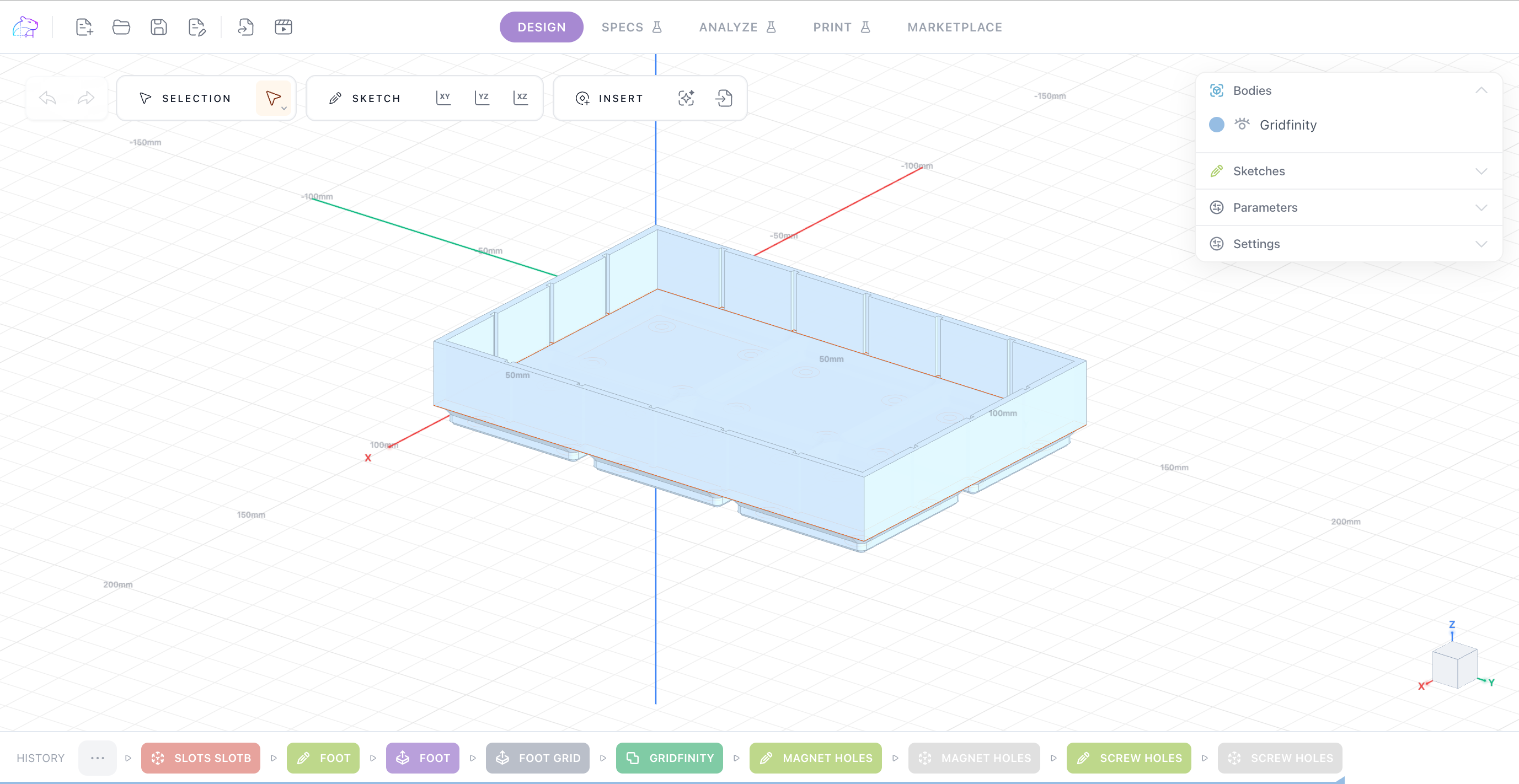
In KapyCAD every step stays in a timeline. Name the wall thickness, change it once, and the holes, fillets and patterns that depend on it rebuild.

What KapyCAD adds for printing
- Fits: pick a slide, friction or press fit and the gap is left for you, sized for your printer once calibrated.
- SmartObjects: screw holes, heat-set insert pockets, magnet pockets and threads to real dimensions.
- Technical drawings: views, dimensions and a PDF to take to the workshop.

Making the jump
KapyCAD runs in the browser like Tinkercad, so there is nothing to install. The guided tutorials build a real part with you, one checked step at a time, so the jump is a ramp, not a cliff. Your Tinkercad exports open in KapyCAD as STL or OBJ, and you can keep cutting and adding to them.
| KapyCAD | Tinkercad | |
|---|---|---|
| Runs in | Browser | Browser |
| Learning curve | An evening with the guided tutorials | Minutes |
| Sketches with constraints | Yes | No |
| Editable history and named parameters | Yes | No |
| Fits sized for your printer | Yes | No |
| Export | STL; STEP on Maker | STL, OBJ, SVG |
| Price | Free plan; Maker for more | Free |
Questions people ask
Is KapyCAD harder than Tinkercad?
A little, at the start: you learn sketches and constraints. The guided tutorials take you through your first part in one evening.
Can I open my Tinkercad designs in KapyCAD?
Export them from Tinkercad as STL or OBJ and import them. They arrive as meshes without history, and you can still cut them and add to them.
Is KapyCAD free like Tinkercad?
There is a Free plan with no card and up to 10 projects, and STL export is always free. Maker adds unlimited projects and STEP export.
Tinkercad is a trademark of Autodesk, Inc. KapyCAD is an independent product and is not affiliated with, endorsed by or sponsored by Autodesk.