What is KapyCAD?
KapyCAD is the parametric CAD made for 3D printing. It runs in your browser, knows your printer, and tells you whether a part will print and work before you spend filament.
The problem it solves
You design a 5 mm hole and it prints at 4.7. The lid you modeled does not close, the snap fit cracks, the overhang droops. Desktop CAD assumes a machined part, and an FDM printer does not make one.
Most makers find out at the end, after a failed print, then guess a number and print again. KapyCAD moves that check to the screen, while you design.
What it does
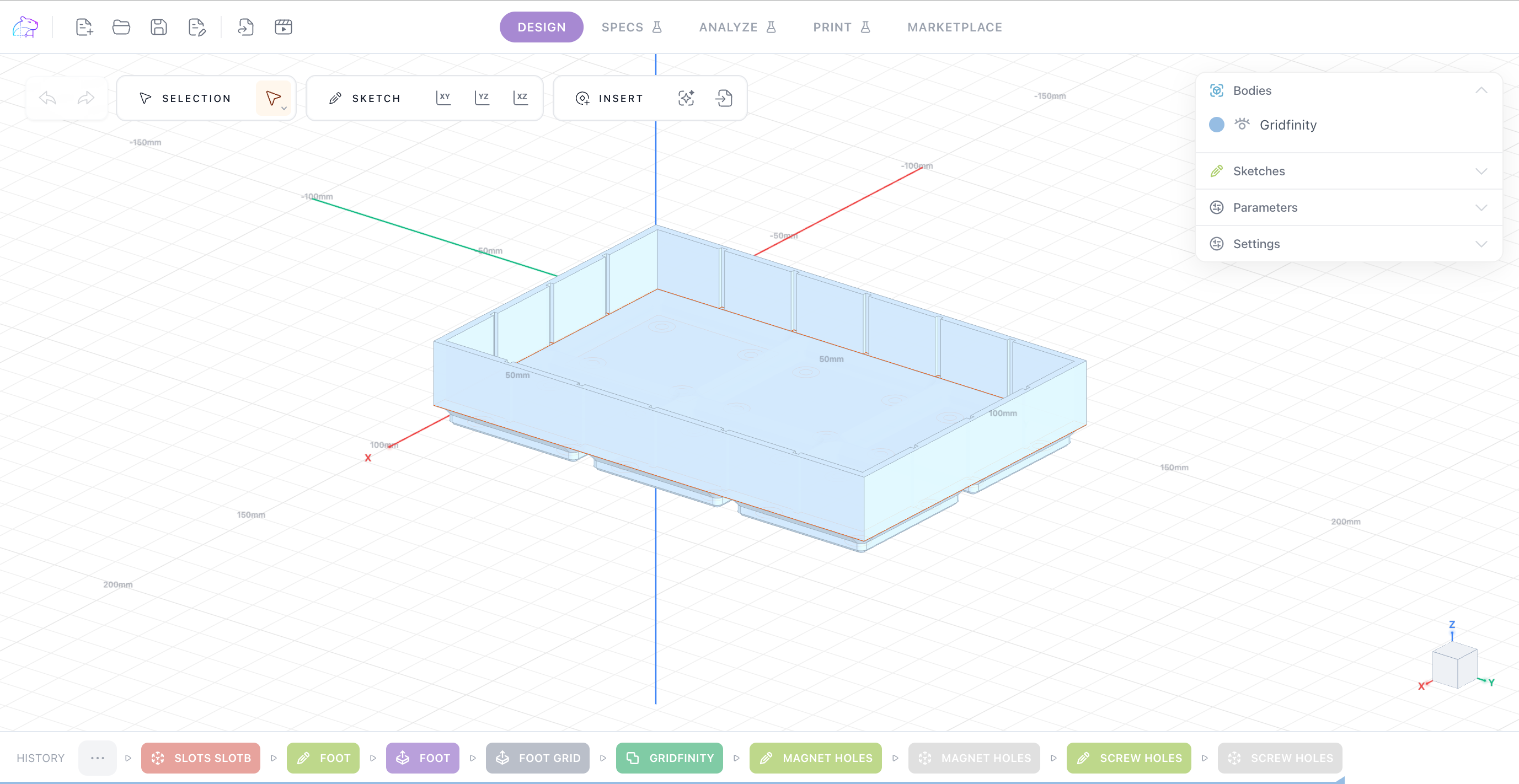
KapyCAD is a real parametric modeler: sketches with dimensions and constraints, a timeline of steps you can go back to and edit, and named parameters with formulas. Change one number and the fillets, holes and patterns built on it rebuild. Around that core, it adds what designing for a printer needs:
- Fits sized for your printer. Pick a slide, friction or press fit and KapyCAD leaves the gap. Calibrate your printer once in the Workbench with guided test prints and the clearances it measures go into your parts.
- SmartObjects. Ready-made screw holes, heat-set insert pockets, magnet pockets, boards, Gridfinity bins, gears, threads and textures, dimensioned to real standards. Drop one on a face and set its numbers.
- Guided tutorials inside the editor, where a step only counts once the geometry is in your part.
- KapyCAD 2 adds printability analysis (overhangs, thin walls and details too small for your nozzle, marked before you slice) and assemblies that move. It is in beta for Maker subscribers and reaches everyone on December 15, 2026.

Who it is for
The maker who owns an FDM printer and wants to design functional parts: the bracket for a shelf, the adapter between two things you own, the replacement clip nobody uploaded. It suits people who have outgrown Tinkercad, people who opened Fusion and closed it again, and makers who sell or share parametric designs.
It is not the right tool for production drawings for a machine shop or very large assemblies (SolidWorks, Fusion and Onshape serve that), or for organic sculpting such as figures and miniatures (Blender, ZBrush and Nomad do that better).
How to start
Open the editor in Chrome, Edge, Firefox or Safari on your computer. Nothing to install. The Free plan needs no card, keeps up to 10 projects and always exports STL. Maker adds unlimited projects, STEP and .kpy export, your own SmartObjects and the KapyCAD 2 beta; current prices are on the pricing page.
If you are new to CAD, the guided tutorials build a real part with you step by step. Kapy Academy has about 300 articles in English and Spanish on why printed parts fit, break and move.
| KapyCAD | |
|---|---|
| Type | Parametric 3D CAD for 3D printing |
| Runs on | Chrome, Edge, Firefox or Safari on Windows, macOS, Linux and ChromeOS |
| Price | Free plan, no card. Paid plan: Maker |
| Import | STEP, STL, OBJ, SVG |
| Export | STL on every plan; STEP and .kpy on Maker |
| Languages | English and Spanish |
| Made by | Kapydev |