A Rust core for the whole document
In KapyCAD 2 the whole document will live in a core written in Rust, in a single worker next to the kernel. The interface will only ask and draw.
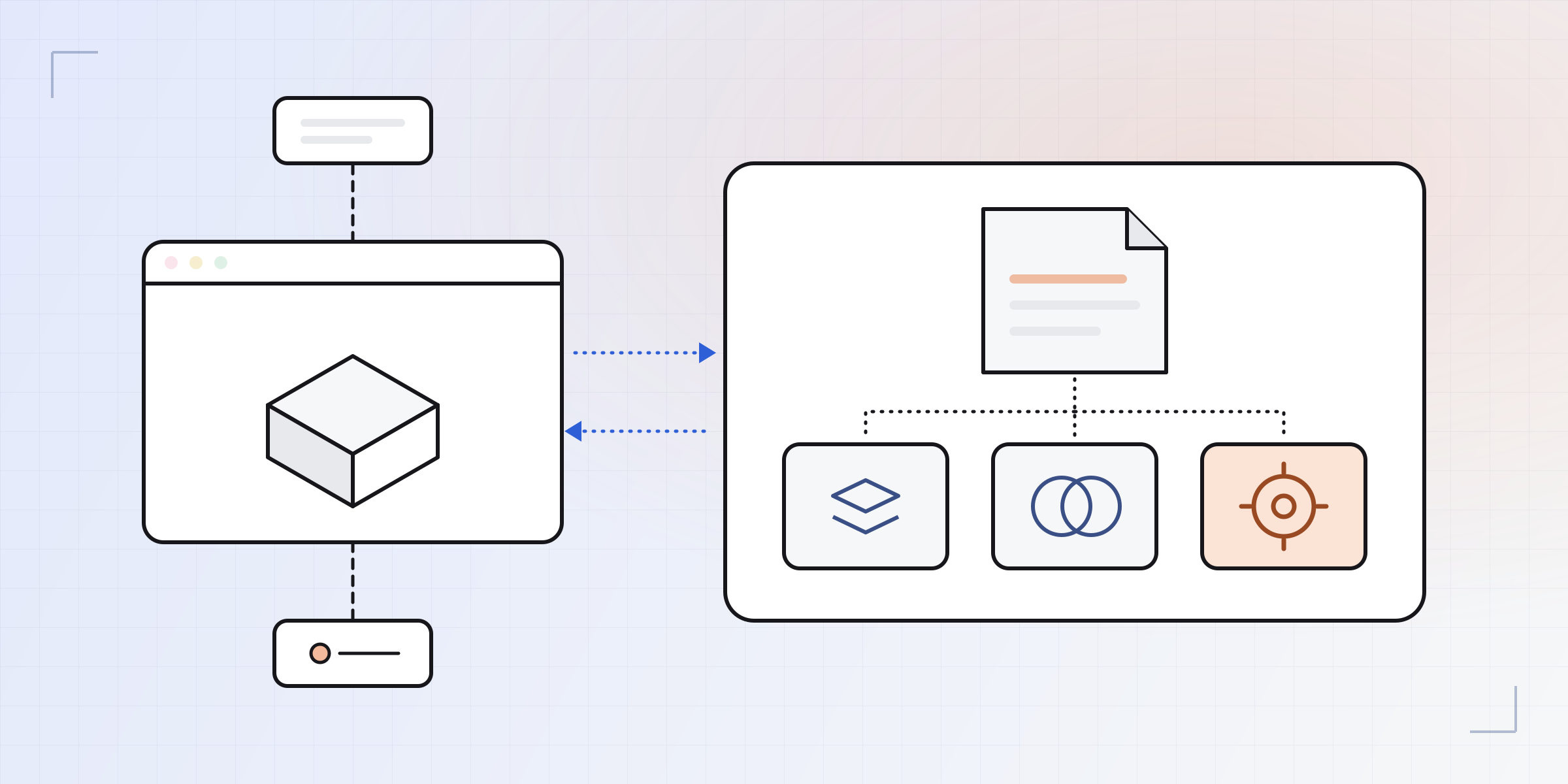
Part 4 of the series Inside KapyCAD 2, the version we're still building. Last time we explained why we build our own OpenCascade. In KapyCAD 2, your document and every decision made about it will sit in a core written in Rust, which will also be the one talking to that kernel.
Where we were
We described the architecture KapyCAD was born with in how B-Rep CAD runs in the browser. The main thread, the one that draws the interface, held the document and decided what to regenerate, in TypeScript. One worker had the geometry kernel and another the sketch solver, each in its own WebAssembly. The three talked through messages, and the CAD logic was split between TypeScript and those modules.
It worked, and it still works. But it had an underlying problem that no amount of workarounds fixes.
The problem with keeping the truth in two places
A part's "truth" is its document: the sketches, the operations, the parameters. In today's KapyCAD, that truth lives in one place and its consequences in another. The document lives on the interface thread; the built solids live inside the kernel worker, and the main thread only holds numbers that identify them. Every edit needs the parties to agree.
When they don't, you get the bugs that are hardest to find:
- The ghost body. If the main thread releases the previous regeneration's solids a moment too early, what you see on screen no longer exists in the kernel.
- Many hands writing. The interface could change the document directly: there were 152 write actions, and the interface called 51 of them from 129 different places. Almost a hundred interface files imported CAD logic on their own.
- Undo that didn't undo in one go. Adding a constraint with several candidates in one click closed the undo entry before the solver's answer arrived, so it left several loose entries behind. Renaming a parameter could break the formulas that used it.
- Duplicated work. Exporting, analysing or generating a thumbnail used a second kernel, with its own memory. And the server and the tests each booted the WebAssembly modules their own way, until they drifted apart: a green suite could certify a kernel with capabilities the server didn't have.
We measured the transport between threads and it cost a few milliseconds, so what we were after was something else: a single writer, and tests that run the same code you run.
One core, one truth
In KapyCAD 2 the document, its evaluation and its undo history will live in one worker, the core's. Inside that worker the three WebAssembly modules will boot: our OpenCascade, the B-Rep kernel; manifold, for mesh booleans (for example, subtracting a cosmetic thread during an STL export); and kpy-core, our Rust core, with the document, the regeneration, the sketch solver and the interpreter for Smart Objects' code.
The three modules will share the core's thread because one regeneration asks the kernel thousands of things, and a message between threads for each question would be far too slow. So the core will call the kernel directly and wait for the answer like any ordinary program.
The interface and the core will talk through a contract with four channels. In the development build, they work like this:
- Commands, going up: "insert this operation", "change this parameter". The interface doesn't wait. It assigns IDs to whatever it creates, so it can keep going, and if the core refuses the command, the notice arrives later and is shown.
- Patches, going down: what changed, and nothing else. The interface holds a read-only copy of the document that only patches can write. Each patch is acknowledged once rendered, so they don't pile up behind a slow screen.
- Questions, both ways: "how long is this edge?". Short answers that don't touch the document.
- Jobs, off to the side: exporting, preparing a thumbnail, computing a preview. They take time, show progress and can be cancelled. They never change the document and never run in the middle of a regeneration: they wait their turn.
Some TypeScript will remain inside the worker, but only as glue: it boots the modules, moves bytes from one memory to another and chains the regeneration's steps, which is Rust from start to finish.
Undo without the fight
With the document in one place, the undo history will live where the document lives, so it will be identical in the editor, on the server and in the tests.
Every change will go inside a transaction. In the development build, the core keeps what the document looked like before and after, and that's one undo entry, with a name the core itself writes. The interesting part is what counts as "one change". A gesture is one entry: while you drag a sketch point the document isn't touched, and on release everything is written at once, even if the drag lasted a hundred frames. Typing is one entry per burst, not per keystroke. And cancelling means going back: if you press Escape halfway through a drag, or the core refuses a placement, the transaction is aborted and the document returns to how it was, leaving nothing half-done in the history.
In KapyCAD 2, the multi-candidate click will be a single undo entry, and renaming a parameter will rewrite the formulas that cite it, also in a single entry. Both were fixed in the development build without touching either one: having a single place that writes was enough.
Two small helpers
There are two more workers in the picture, small ones, and both have something in common: they hold no document.
The language helper will answer the code panel's questions: completions, errors, what this symbol means. The panel comes with KapyCAD 2, and we'll introduce it in the last part of the series. It's kpy-core on its own, with no kernel and no document, and it doesn't boot until the panel first asks it something; if you never use the panel, it costs you nothing. It exists because the core doesn't pause in the middle of a regeneration, and during development a question arriving at that moment had to wait until it finished: on a helical gear, up to 33 seconds. Answering doesn't need the document, only the text we hand it, so it will be able to answer alongside the core.
The drag helper will answer the frames when you drag a sketch point. It carries its own kpy-core, a minimal copy of the core with the sketch solver and no kernel. When the gesture starts, the interface hands it the sketch once; after that only the pointer positions travel. That way the mouse never waits for the core to finish a regeneration step. On release, the core is still what writes the result into the document, in a single transaction. How the drag itself behaves is the subject of Part 6.
Neither helper holds a document: a second copy that could be written would take us back to keeping the truth in two places. The helpers answer questions about what they're given and leave the decisions to the core.
Moving the logic to Rust
KapyCAD 2's rule is short: the interface does no CAD computation. It asks and draws, and all the CAD logic goes in Rust.
To apply it we look at what kind of code is left; counting lines isn't enough. Seven thousand lines of UI code left is fine; five hundred that compute geometry means we're not done.
A test enforces the rule. It measures the whole repository against a list of rules: hand-written geometry algebra, stray numeric tolerances, regular expressions over the language's source, geometry computed with the rendering library, any file writing the document on its own, domain defaults hidden in constants. Every rule has its red control, as we described in Part 1: a sample file that breaks it, to prove the rule sees it. Exceptions exist, but each one has a name and a reason, and the debt list can only shrink.
The test doesn't catch everything either. We ran four manual file-by-file reviews, which found 63, 73, 65 and 27 leftovers it had missed. All of them moved to Rust, and each moved piece was compared bit for bit with what the TypeScript did before deleting it (the method is in how we test CAD software). In the final stretch alone, the editor's TypeScript went from about 213,600 lines to 175,400, and the core's Rust grew from 202,500 to 281,600. What's left in TypeScript is interface, rendering and wiring.
There's another, simpler guard: the core worker is forbidden from including the 3D rendering library, React or the translation system. If anything tries, a test names it.
What you'll notice
The overall look won't change; what does change will show when you use it, and there will be a few new pieces, which we cover in the next parts.
The editor will feel smoother, because neither dragging nor the code panel will wait for a regeneration. Regenerations will be lighter: the rebuilt kernel used less than half the CPU on the parts we measured (covered in the previous part). KapyCAD 2 will also use less memory, because exporting will no longer spin up a second kernel: it will be just another job for the same core. And the modules will boot in parallel: the Rust core won't wait for the kernel to finish loading before it starts.
Outside the browser (the server queue that regenerates documents, the corpus and the tests) the same core will run, without a worker, so the result will be the same as in your browser. The file manager's preview will open the same core on the document you're previewing. Along the way we found the STL depended on how the viewer had happened to triangulate the part; in KapyCAD 2 it will be deterministic and come out the same wherever it's exported from.
Part 5 goes inside this core, to our own sketch solver, which will live there.
Written by
Sergio
Building Kapy CAD — parametric 3D modelling for 3D printing, in the browser.


