A B-Rep CAD in the browser: OpenCascade, WASM and two WebWorkers
How KapyCAD runs a real CAD kernel inside a tab, without freezing the interface.
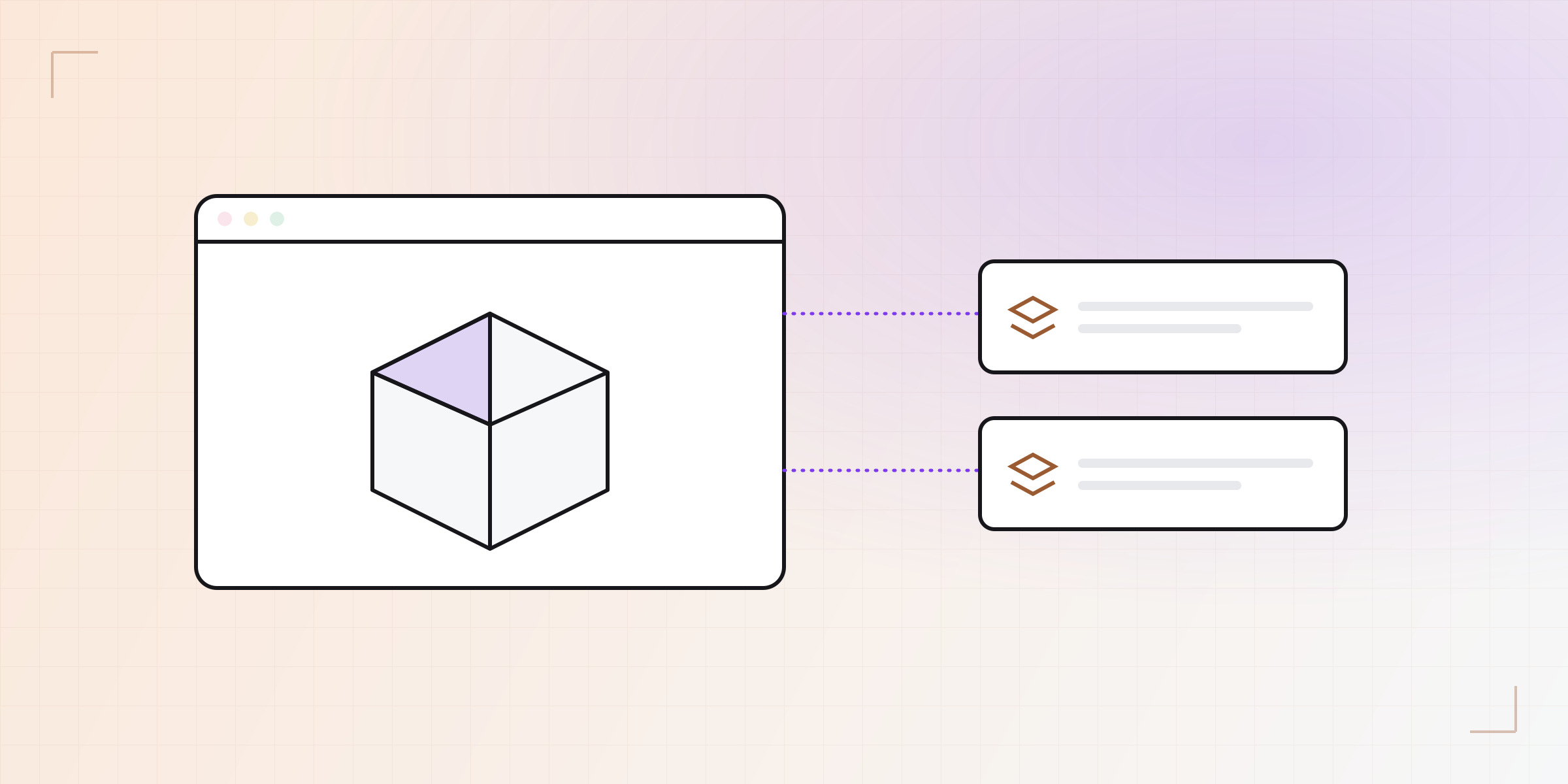
"A parametric CAD in the browser" sounds like a mockup: a pretty viewer with a handful of token operations. KapyCAD isn't that. Underneath runs a real CAD kernel —the same kind of engine desktop programs use— and it does it inside a tab. Here's how the technical piece fits together.
A CAD kernel in a tab
KapyCAD's geometry is B-Rep (boundary representation): the part is described by its exact faces, edges and vertices —the equations of each surface— not as a mesh of triangles. It's the difference between knowing a hole is "a cylinder of radius 5" and having a pile of flat faces that merely look like one. B-Rep is what lets you fillet a specific edge, export to STEP, or measure a real distance.
That engine is OpenCascade (OCCT), a mature CAD kernel written in C++. We
compile it to WebAssembly (WASM) —a format the browser runs at near-native
speed— through opencascade.js. The result: the same exact-geometry math that
would run on your desktop runs in your browser, on your machine, without sending
anything to a server.
Two workers, one conversation
There's a catch: that math is heavy. A boolean or a fillet can take a moment, and if you run it on the main thread —the one drawing the interface— the screen freezes while it works. The golden rule on the web is never to block that thread.
The answer is WebWorkers: background threads to move the heavy work into. KapyCAD uses two, and the main thread talks to them through Comlink, a library that makes calling a worker feel like calling a normal function (under the hood it's message passing, but you don't notice).
What runs in each worker
Each worker has one clear job, and that keeps the system tidy:
| Worker | What it handles |
|---|---|
| OCCT worker | B-Rep via opencascade.js: extrude, revolve, booleans, fillets, STEP |
| (inside the OCCT) | manifold-3d for fast mesh booleans when exporting to STL |
| Solver worker | 2D sketch constraints via planegcs (we cover this in another post) |
Keeping the sketch solver in its own worker has an extra payoff: solving a sketch and recomputing the solid are two distinct loads that don't step on each other.
Why it matters
Running the kernel in the browser isn't a demo trick — it's what makes the experience possible:
- You open a link and you're designing. Nothing to install or update.
- Your work never leaves your machine to compute geometry.
- The interface doesn't freeze, because the heavy lifting happens off the main thread.
In the next posts we go into the two brains of this system separately: the constraint solver that resolves your sketches, and how we keep references to faces and edges alive when the model regenerates.
Written by
Sergio
Building Kapy CAD — parametric 3D modelling for 3D printing, in the browser.


