KapyCAD vs Onshape
Both are parametric CAD in the browser. Onshape is built for engineering teams; KapyCAD is built for the maker with one printer and one evening.
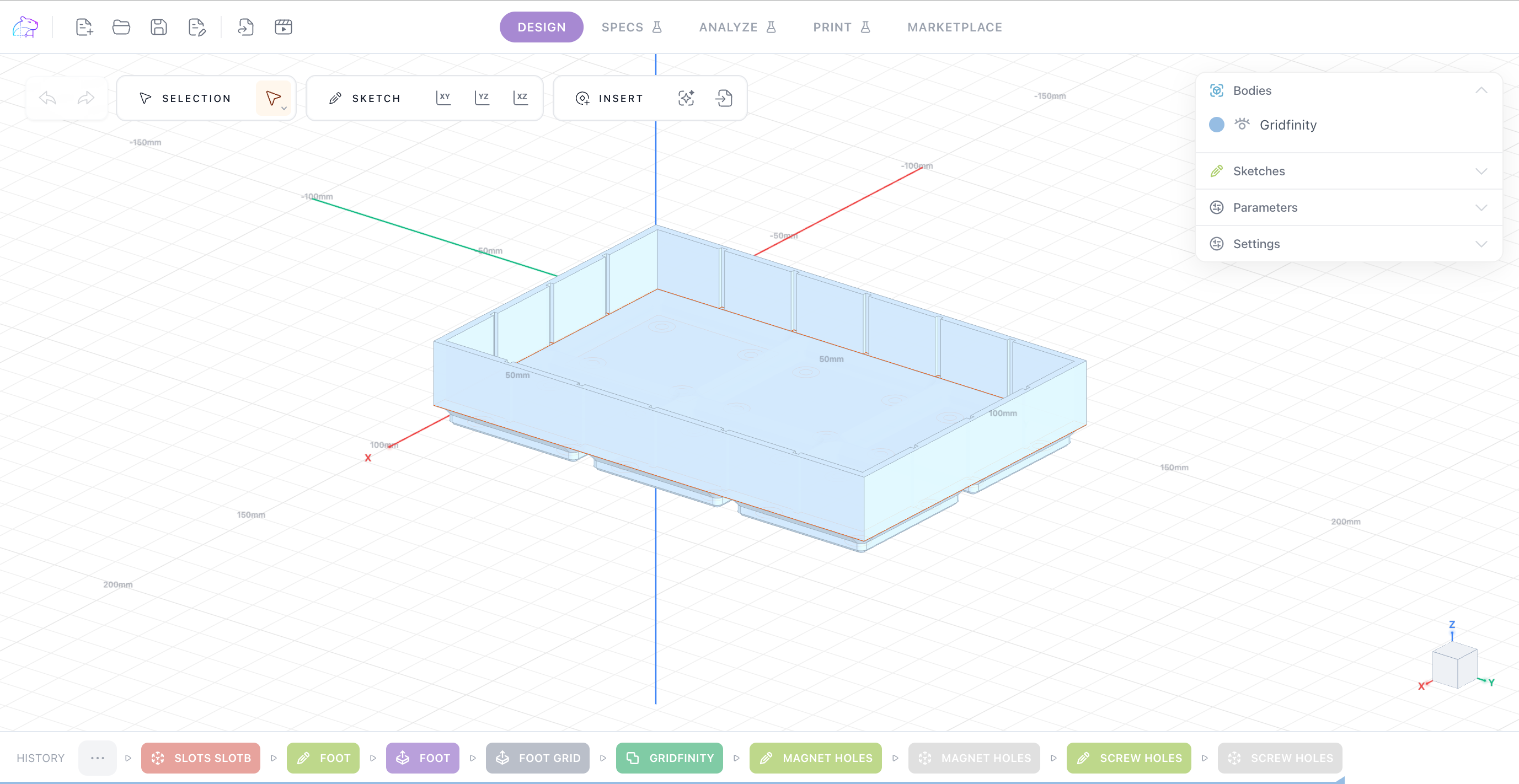
Where Onshape is better
Onshape has ten years of cloud CAD behind it: branching and merging, real-time collaboration, FeatureScript for custom features, mobile apps and a mature kernel. If you design large assemblies with a team, it is a serious choice.
Where KapyCAD is better for a maker
On Onshape's Free plan every document is public and use is non-commercial; the next plan costs about $1,500 a year. On KapyCAD your projects are private on every plan, Free included.
And KapyCAD is built around the print. It knows your printer, nozzle and filament, and leaves the right clearance for a slide, friction or press fit, measured on your own machine.

Moving a design over
Export a part from Onshape as STEP and import it into KapyCAD. It arrives as a solid without its feature history, and you can keep working on it: cut it, add to it and round its edges.
| KapyCAD | Onshape | |
|---|---|---|
| Runs in | Browser | Browser and mobile apps |
| Free plan files | Private | Public |
| Parametric history and constraints | Yes | Yes |
| Fits sized for your printer | Yes | No |
| Real-time collaboration | No | Yes |
Questions people ask
Is KapyCAD a free alternative to Onshape?
For designing parts to 3D print, yes: the Free plan keeps your files private and needs no card. For team engineering work, Onshape does more.
Can I import Onshape files?
Export them as STEP from Onshape and import them into KapyCAD. The geometry comes across; the feature history does not.
Onshape is a trademark of PTC Inc. KapyCAD is an independent product and is not affiliated with, endorsed by or sponsored by PTC.