KapyCAD vs Fusion
Fusion is a serious tool, and getting comfortable in it takes weeks. KapyCAD starts from the other end: the part you are going to print, with a learning curve measured in hours.
Where Fusion is better
Fusion is the most complete CAD most hobbyists will ever touch: CAM for CNC machines, simulation, generative design, surfacing, rendering and production drawings, plus a huge base of tutorials and a community that has answered almost every question. If you already know it, keep using it.
For hobbyists there is Fusion for personal use: free for non-commercial projects earning under $1,000 a year, with 10 editable documents and limited file export, renewed every three years. The full subscription costs about $680 a year in the United States.
Why it takes weeks
If what you want is a bracket that fits your shelf, the first evening in Fusion tends to end in tutorials rather than a finished part: an installer, workspaces to learn and menus built for a full engineering suite.
Where KapyCAD is better for printing
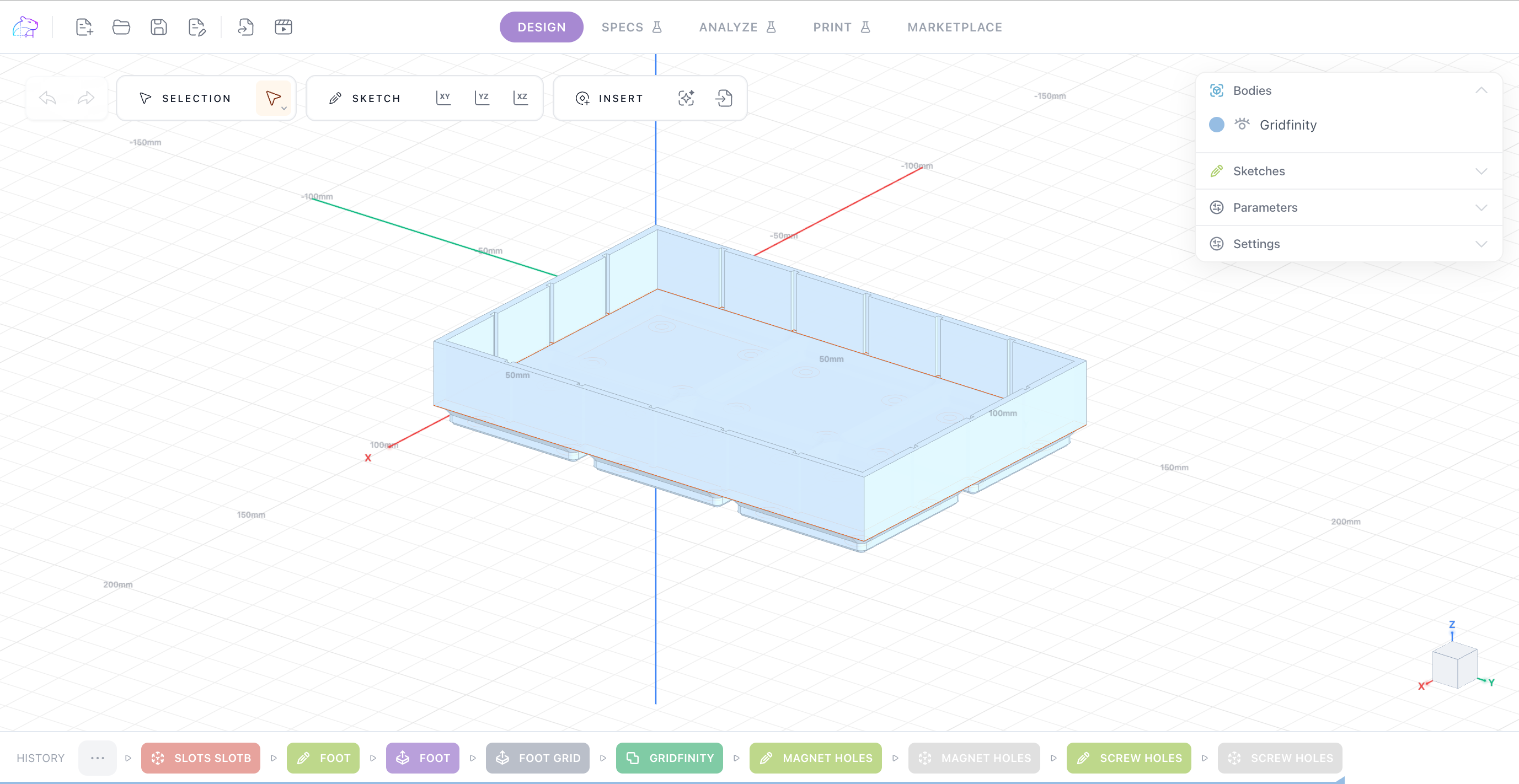
KapyCAD runs in a browser tab, with nothing to install. Your part sits in the middle with the tools where you expect them, and every screen is about printing, from the first sketch to the file for your slicer.
It keeps the clearance your printer needs for each fit, and has screw holes, insert pockets, board mounts and Gridfinity bases sized to real hardware. Guided tutorials teach it by building a real part.

Moving a design over
Export from Fusion as STEP and import it into KapyCAD. The solid comes across without its timeline, ready to cut, add to and round.
| KapyCAD | Fusion | |
|---|---|---|
| Runs in | Browser | Desktop app for Windows and macOS |
| Free option | Free plan, 10 projects, private | Personal use: non-commercial, 10 editable documents |
| Paid plan | Maker, see the pricing page | About $680 a year |
| Parametric history and constraints | Yes | Yes |
| Fits sized for your printer | Yes | No |
| CAM, simulation and surfacing | No | Yes |
Questions people ask
Is KapyCAD easier than Fusion?
For designing parts to print, yes: it does less, aimed at one job, and guided tutorials teach it in an evening. Fusion does far more, which is why it takes longer to learn.
Can I open Fusion files in KapyCAD?
Not the native .f3d files. Export STEP from Fusion and import that; the geometry comes across, the timeline does not.
Fusion is a trademark of Autodesk, Inc. KapyCAD is an independent product and is not affiliated with, endorsed by or sponsored by Autodesk.