KapyCAD vs FreeCAD
FreeCAD and KapyCAD share the same idea: parametric modeling with a history you can edit. FreeCAD does far more; KapyCAD does less, aimed at one job, designing parts for a 3D printer.
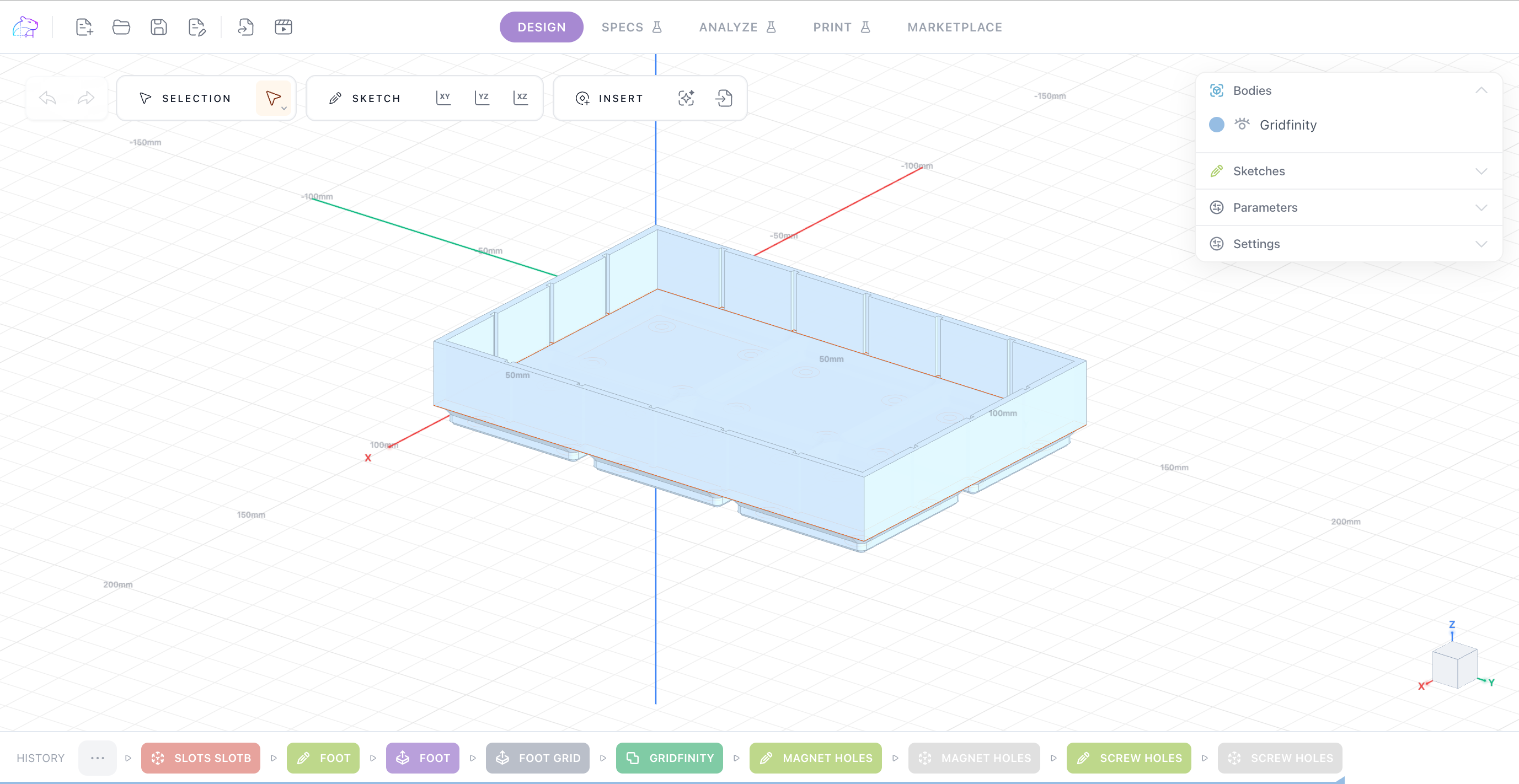
Where FreeCAD is better
FreeCAD is free forever and open source. It runs offline on Windows, macOS and Linux, you can script it in Python, and it has FEM and CAM workbenches. There is no company that can change its terms. If those matter to you, it is an excellent choice.
Where KapyCAD is better for printing
KapyCAD is made for one machine, the FDM printer, and learnable in an evening. It knows your printer and leaves the right clearance for each fit, and has ready-made screw holes, insert pockets and threads sized to real hardware.
It runs in the browser, so there is nothing to install, and guided tutorials teach it by building a real part.

Moving a design over
Export from FreeCAD as STEP and import into KapyCAD. The solid comes across without its history, ready to cut, add to and round.
| KapyCAD | FreeCAD | |
|---|---|---|
| Runs in | Browser | Desktop app |
| Works offline | No | Yes |
| Price | Free plan; Maker for more | Free, open source |
| Parametric history and constraints | Yes | Yes |
| Fits sized for your printer | Yes | No |
| FEM and CAM | No | Yes |
Questions people ask
Is KapyCAD open source?
No. KapyCAD is a commercial product with a Free plan. If open source matters to you, FreeCAD is the right tool.
Can I import FreeCAD files?
Export them as STEP from FreeCAD and import them into KapyCAD. The geometry comes across; the history does not.
FreeCAD is a trademark of the FreeCAD project. KapyCAD is an independent product and is not affiliated with, endorsed by or sponsored by the FreeCAD project.