KapyCAD vs Blender
Blender and KapyCAD do different jobs. Blender models meshes, and it is superb for figures, sculpture and anything organic. KapyCAD models solids by their dimensions, which is what a bracket, a clip or an enclosure needs.
Where Blender is better
Blender is free and open source, runs on Windows, macOS and Linux, and has no rival at its price for sculpting, organic shapes, texturing, animation and rendering. For miniatures, figures, props or decorative pieces it is the right tool, and its 3D Print Toolbox checks a mesh for thin walls and holes before you export.
Why functional parts are harder in Blender
A functional part is defined by its dimensions: a hole 8 mm across, a wall 2 mm thick, a lid that fits its box. Blender works with vertices and faces. Its modifiers and Geometry Nodes can be non-destructive, but they are not a sketch with dimensions and constraints: making a hole 0.2 mm larger, or the whole part 10 mm longer, often means reworking geometry by hand, and circles are polygons.
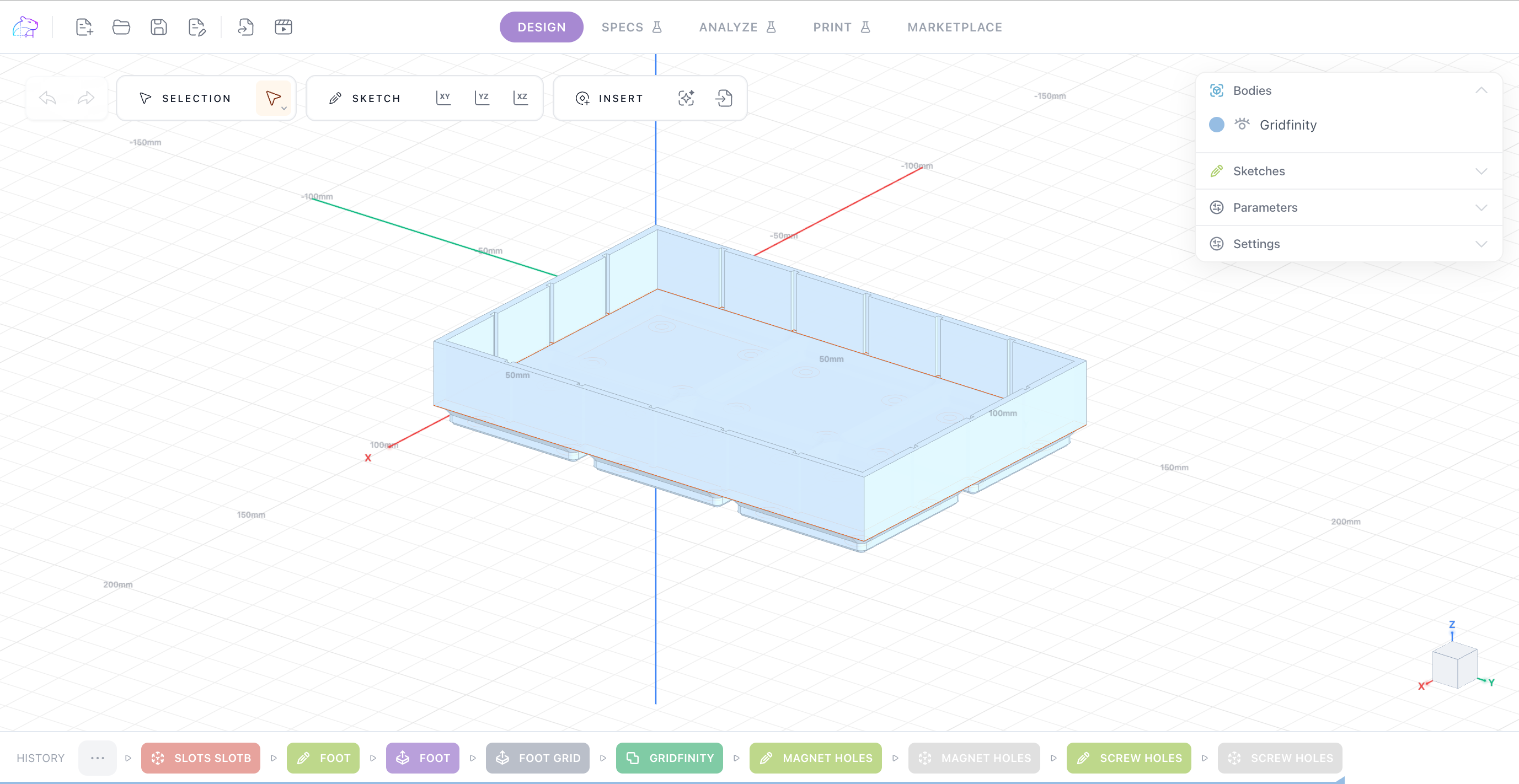
In a parametric CAD the part is a recipe: sketches with dimensions and the features built on them. Change a number and everything after it updates, holes and fillets included.

Where KapyCAD is better for functional parts
KapyCAD keeps the clearance your printer needs for each fit, and has screw holes, insert pockets and threads sized to real hardware. It exports STL for the slicer on every plan and STEP on the Maker plan.

Using both
Many makers do: design the working part in KapyCAD, export STL and add the decoration in Blender. KapyCAD can also insert an STL or OBJ as a body, so you can build a functional part around a shape made in Blender.
| KapyCAD | Blender | |
|---|---|---|
| How you model | Solids with dimensions and constraints | Meshes: vertices, edges and faces |
| Changing a dimension later | Edit the number | Rework the geometry |
| Runs in | Browser | Desktop app |
| Price | Free plan; Maker for more | Free, open source |
| Fits sized for your printer | Yes | No |
| Sculpting, texturing and rendering | No | Yes |
Questions people ask
Can I design functional parts in Blender?
You can, and people do, with care: work in millimeters, give circles enough segments and check the mesh before export. It gets hard when a dimension has to change, because the part keeps no dimensions to edit.
Can I bring a Blender model into KapyCAD?
Export it as STL or OBJ and insert it as a body. You can move it, cut it and build against it; it does not gain editable dimensions.
Blender is a trademark of the Blender Foundation. KapyCAD is an independent product and is not affiliated with, endorsed by or sponsored by the Blender Foundation.