
The CAD built for 3D printing.Easy to learn, powerful enough to grow with you.
Design your own parts from scratch, even if you've never used CAD before. Parametric from day one, with printing built in.
- Runs in your browser
- Free plan, no card
- Made for the print bed
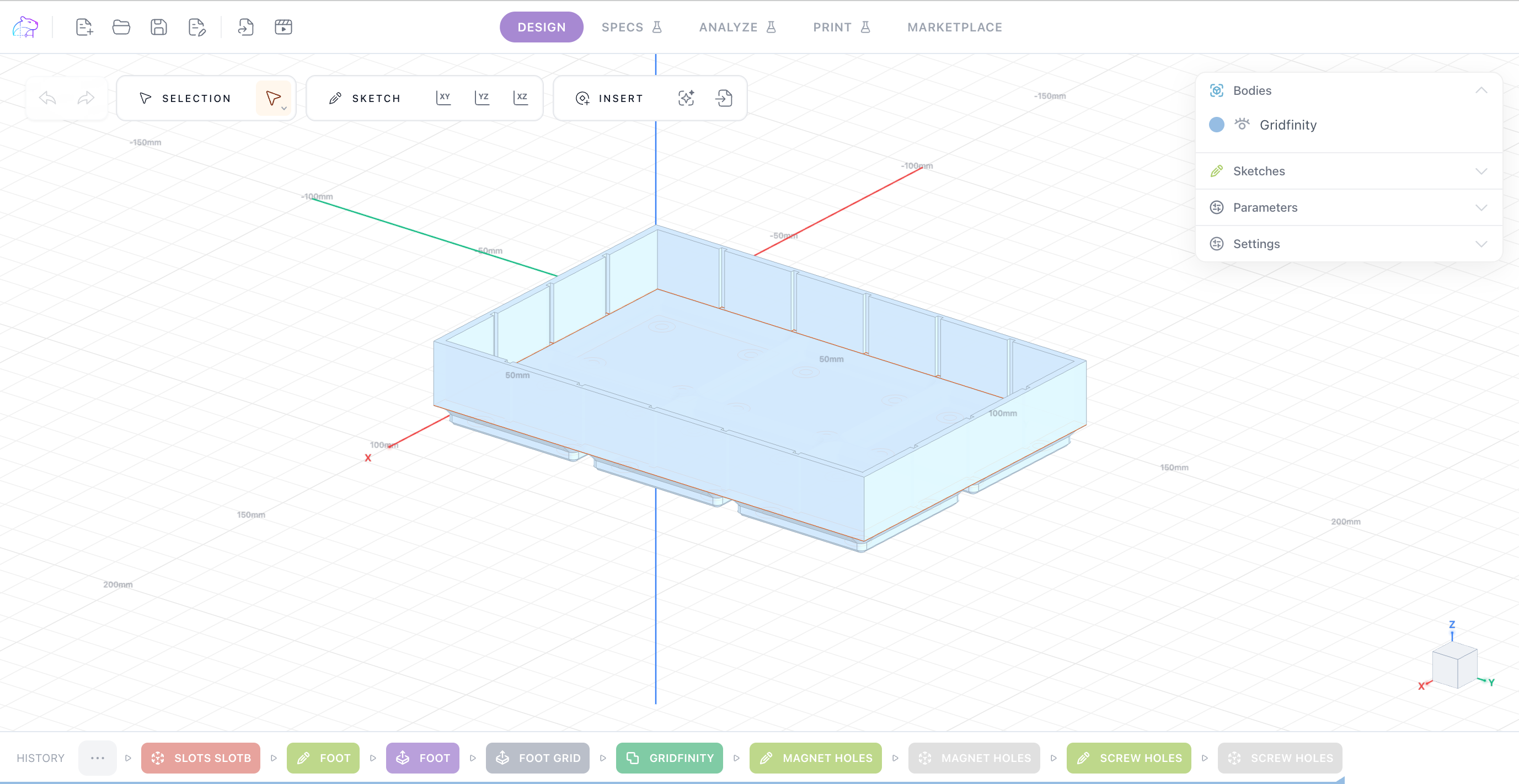
Forty seconds inside the editor
Sketch a profile, constrain it, give it thickness, print it. The same loop you'll use for every part.
Design your own parts, not someone else's
Downloading a model gets you close. Designing one gets you the bracket that fits your shelf, the insert that fits your drawer, the adapter nobody has uploaded. KapyCAD is built so that's a first-evening project rather than a semester.
- Open a browser tab — there's nothing to install
- Sketch a profile, give it thickness, print it
- Change a number and the part updates
Parametric from day one
Plenty of beginner tools let you push shapes around and then leave you stuck the moment a dimension has to change. KapyCAD gives you constraint-solved sketches and an editable feature tree from the start, so the file you make this week is still easy to change next month.
- Constraint-solved sketches
- Extrude, revolve, sweep, loft
- Fillet, chamfer, shell
- Booleans and patterns
- Named parameters with expressions
- Reusable Smart Objects: holes, heat-set inserts, magnet pockets, snap joints
Your printer and your material, in the model
Your printers, nozzles, quality presets and filaments live in the Workbench. Guided print-and-measure calibrations turn them into real clearances, so holes and fits are sized for the machine you'll actually print on instead of a generic guess.
- Printers, nozzles, qualities and materials in one place
- Guided clearance and printability calibration
- Your calibrated tolerances drive the geometry
- STL export, ready for your slicer
Guided tutorials, built into the product
The Academy walks you through the editor one step at a time, each step with a short clip of the real interface. You learn the tool by making something with it, not by watching a course first.
- Step-by-step guided tutorials
- Short clips of the real editor
- Reference articles on printing parts that fit, joints, and printers & materials
Design your first printable part today
Free plan, no card. Open the editor in your browser and start with a guided tutorial.